Section 2: Pump Setup and Programming
Pump Setup &
Programming
13
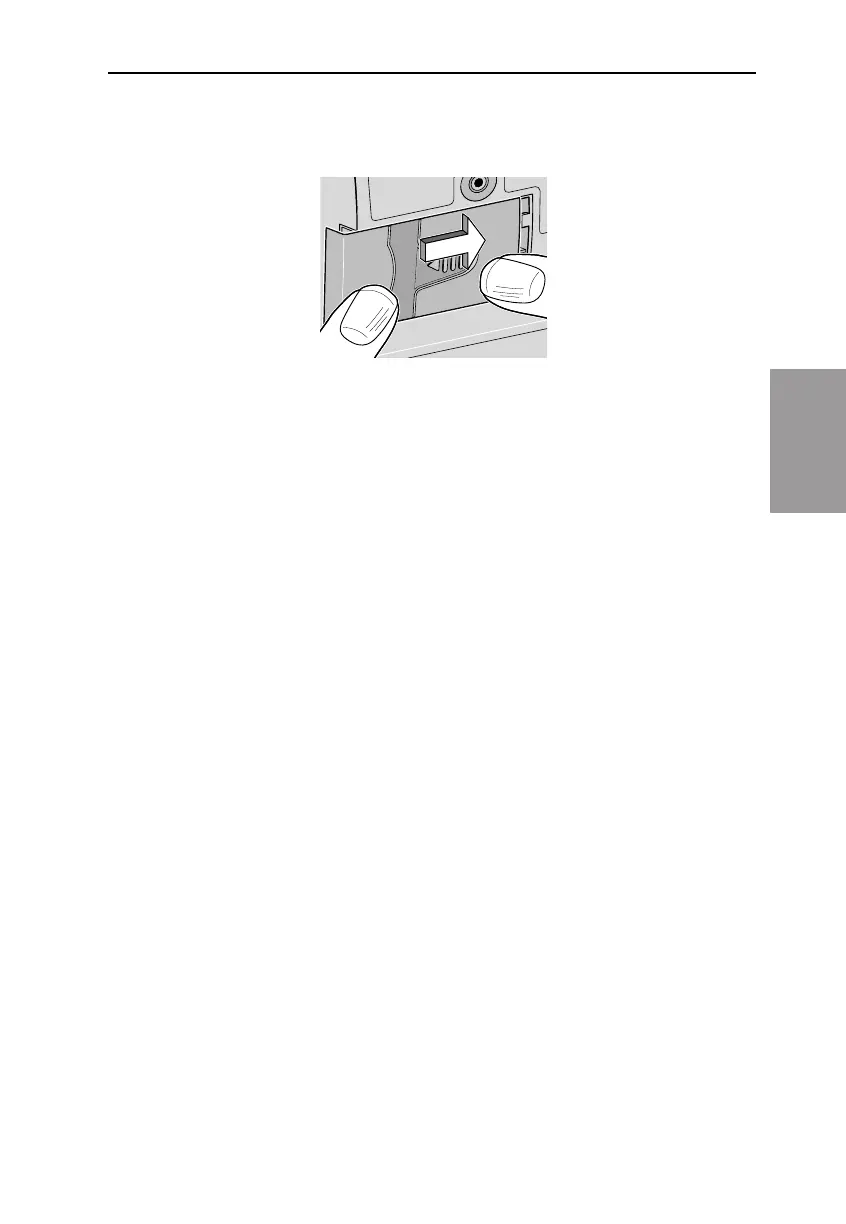
4. Place the battery door over the battery compartment and slide the
door closed.
5. Ensure that the door is latched by trying to remove the door with-
out pressing the arrow button.
NOTE: e power-up sequence will start, the pump will go through
an electronic self-test, and the pump will beep 6 times at the end of
the power-up sequence. All of the display indicators, the soware
revision level, and each parameter will appear briey.



 To Next Page