Using Apollo
44 ©2020 CAE 905K351052 v1.1
CAEApollo
To enable the needle decompression feature, activate the switch for the appropriate side(s). From the
Respiratory view, turn the desired Needle Decompression switch to On.
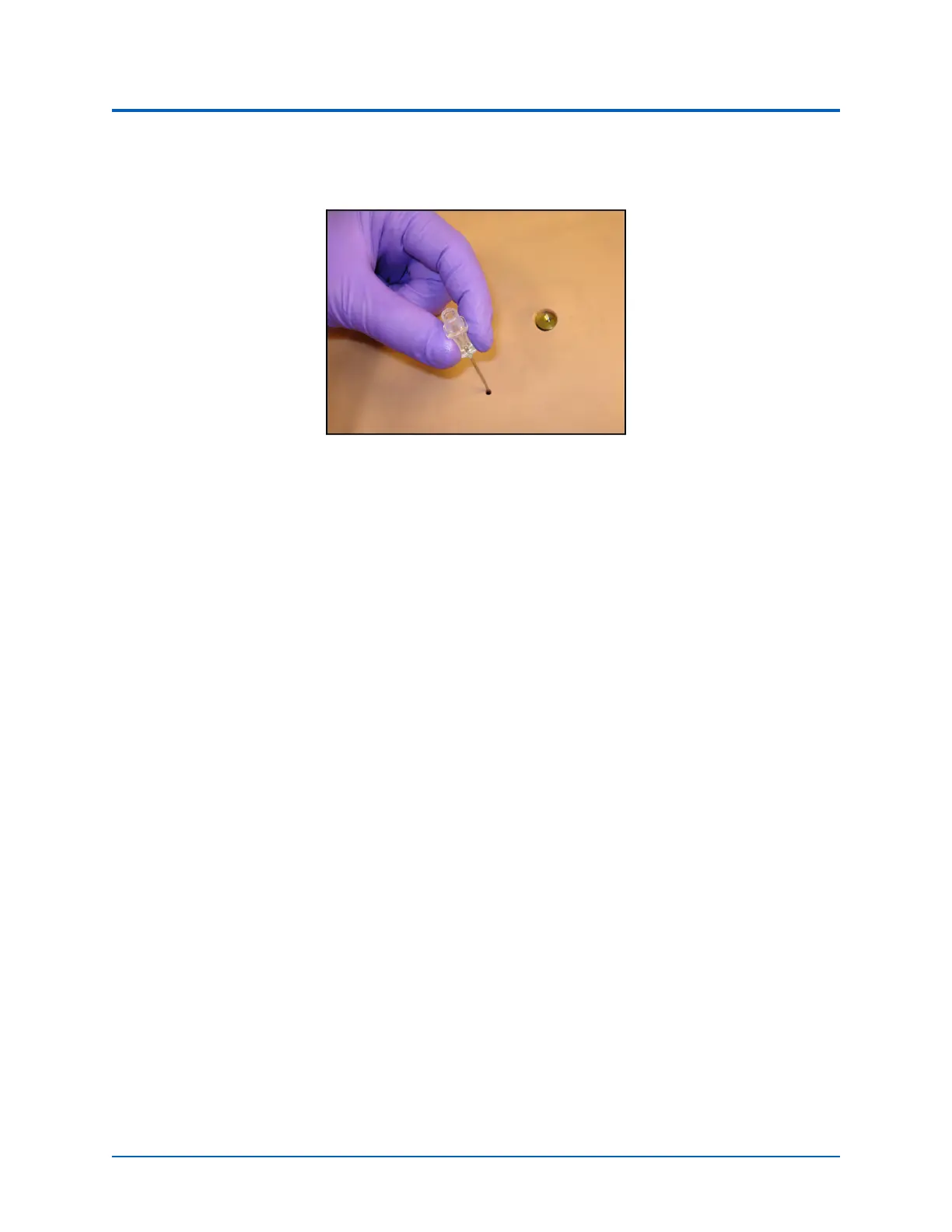
Needle Decompression
When a needle is inserted in the second intercostal space, along the midclavicular line, air is released
while intrapleural volume is present.
Chest Tube
Both Apollo Prehospital and Nursing has the ability to simulate chest tube drainage. The Chest Tube
sites are located bilaterally in the fifth intercostal space.
Ensure all fluids have been removed from previous uses before each new use to prevent overfilling.
To simulate continuous chest tube drainage:
1. Insert the Apollo priming tube in the chest tube site.
2. Set up the IV pole near the simulator.
3. Fill an IV bag with the clinically appropriate fluid. Use distilled water only,
with food coloring if desired.
4. Hang the IV bag on the IV pole.
5. Ensure the roller clamp is closed and insert the IV spike into the IV bag.



 To Next Page