©2020 CAE 905K351052 v1.1 45
Using Apollo
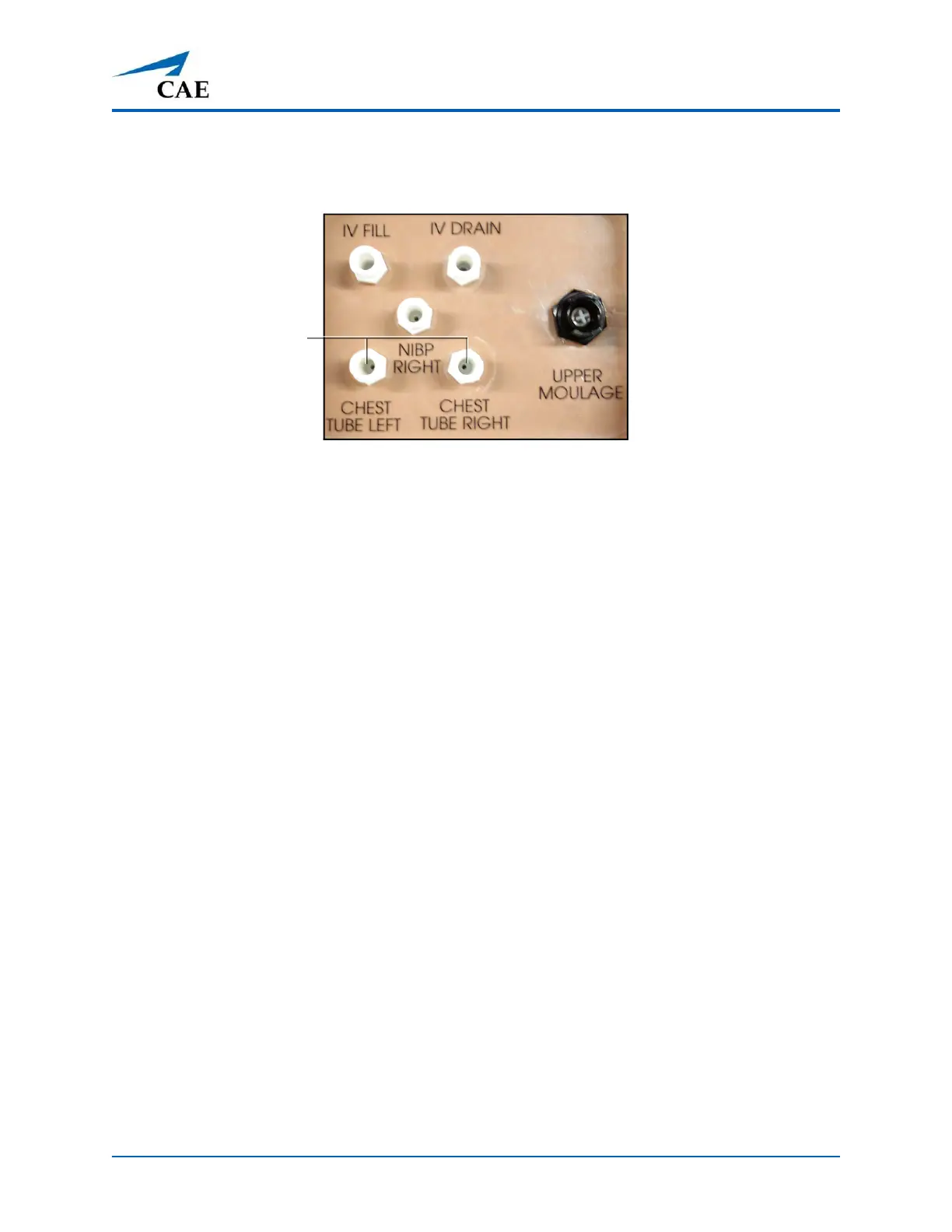
6. Connect to the simulator by attaching the end of the IV spike set tubing to
the corresponding CHEST TUBE port (LEFT or RIGHT) on the simulator’s
right shoulder.
Apollo’s Right Shoulder
7. Open the clamp and allow fluid to flow into the simulator until fluid is seen in the Apollo
Priming Tube.
8. Once fluid appears in the Apollo Priming Tube, remove the Apollo
Priming Tube. The simulator is ready for chest tube insertion.
9. Keep the IV bag attached and adjust the flow rate manually using the roller clamp.
Chest Tube
ports



 To Next Page