Using the Simulator
10
CAECathLabVR
PN: 905K400652
Starting the Software
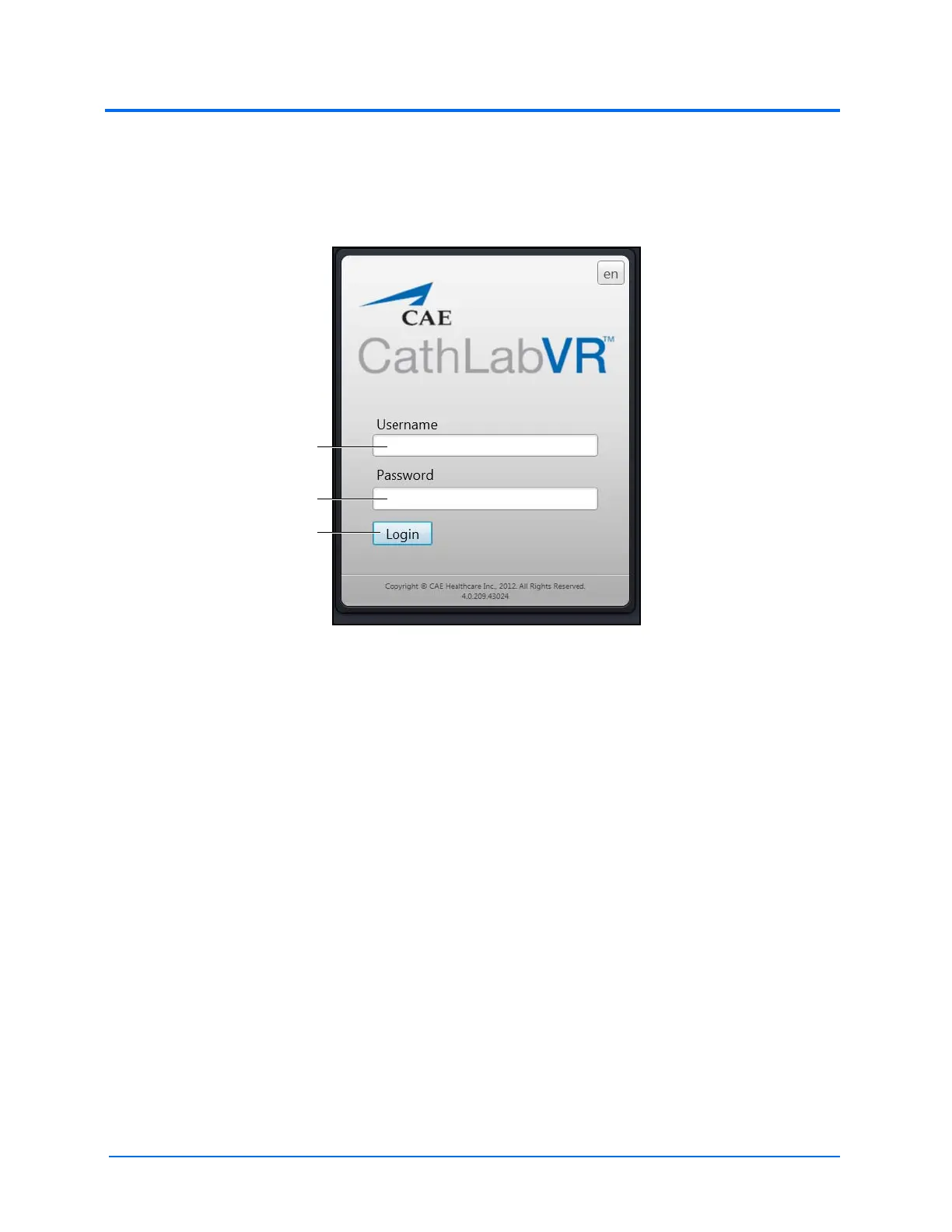
Once the CathLabVR simulator is powered on, the software launches automatically and the Login
screen appears.
The Login Screen
To log in to the software:
1. Enter the assigned username in the Username field. To log in as a guest, enter guest.
Note: Any tasks performed while using the guest login will be recorded in the guest
account only if the administrator selected Data Recorded in the guest personal data
screen.
2. Enter the assigned password in the Password field. To log in as a guest, enter guest.
3. Click Login
The Username
field
The Password field
The Login button



 To Next Page