Using the Simulator
58
CAECathLabVR
PN: 905K400652
Printing Data from the Simulator
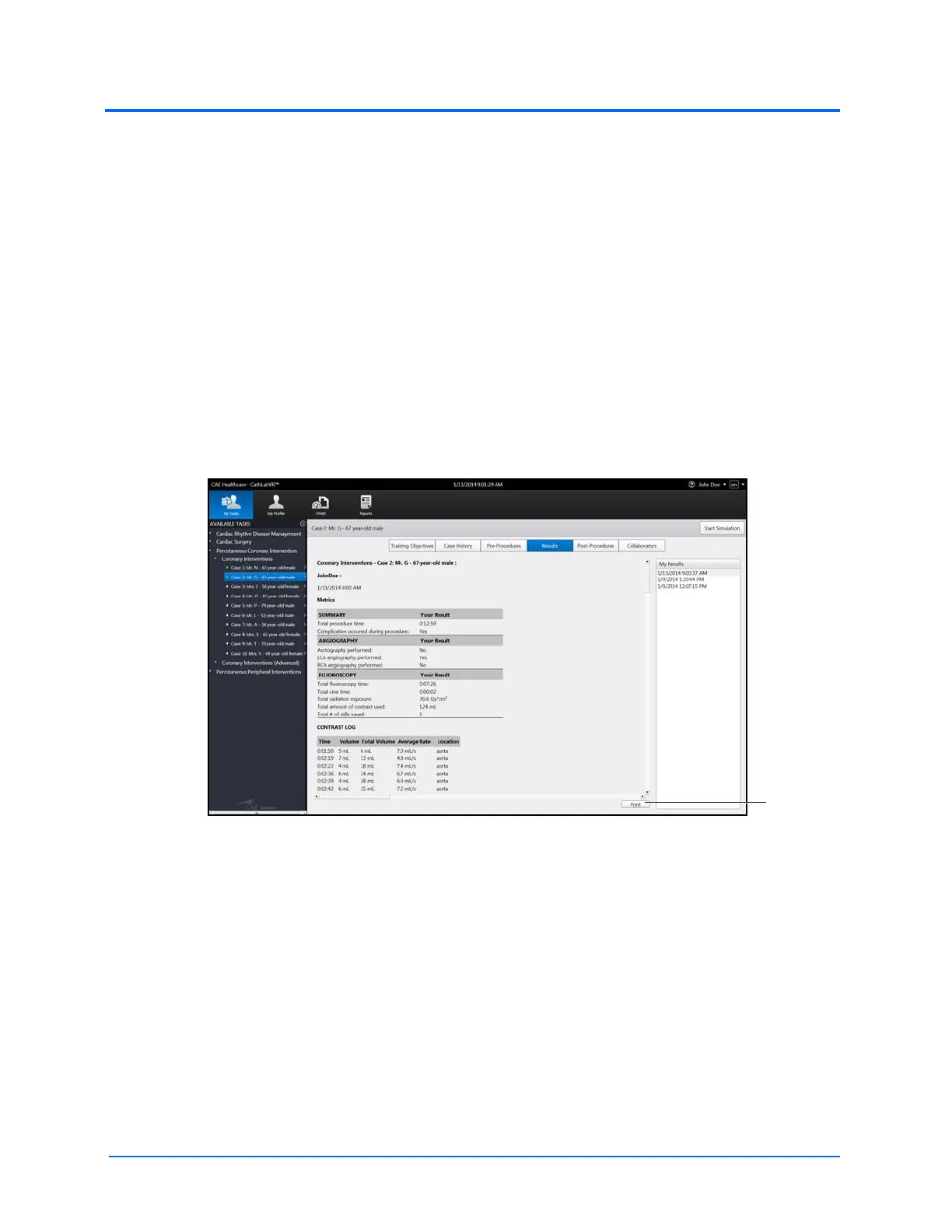
Learners can print the data from the Results screen after completing a task. The print feature is also
available on the Personal Data, Usage Summaries and Reports screens.
The Reports screen is the only screen that requires the learner to select the data to include in the
report and generate a print preview prior to printing.
Printing Data to a Network Printer
A network connection is required for printing to a network printer. Contact your administrator for
further assistance.
To print data to a network printer:
1. From the selected screen, click the Print button located near the bottom right corner of
the screen
The Results Screen



 To Next Page