Using the Simulator
37
PN: 905K400652
Using the Contrast Syringe
The contrast syringe accessory tool allows learners to see a vascular structure more clearly on the x-
ray by injecting contrast dye into the vessels.
To use the contrast syringe:
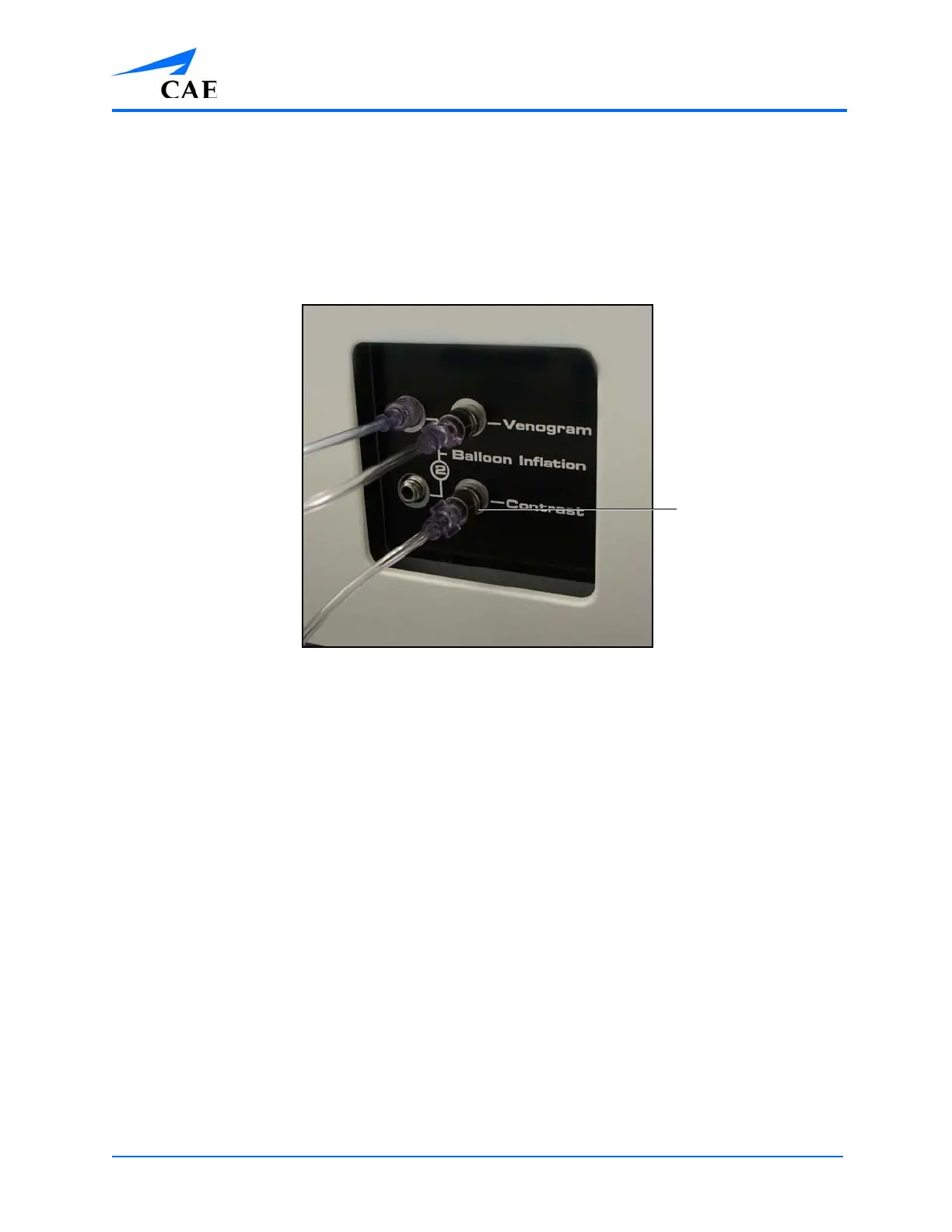
1. Ensure the contrast syringe is connected to the back of the simulator
The Accessory Ports
2. Pull back on the syringe
3. Press the Fluoro pedal to activate the x-ray feature and show a live x-ray of the anatomy
4. Push the contrast syringe to “inject” the contrast dye
The contrast
syringe port



 To Next Page