Using the Simulator
48
CAECathLabVR
PN: 905K400652
Using the Adjunct Therapy Feature
The Adjunct Therapy feature allows users to select various pharmacologic and non-pharmacologic
therapies. These therapies may be given to prevent or treat complications occurring within the
simulation.
The Simulation Screen - Left Monitor
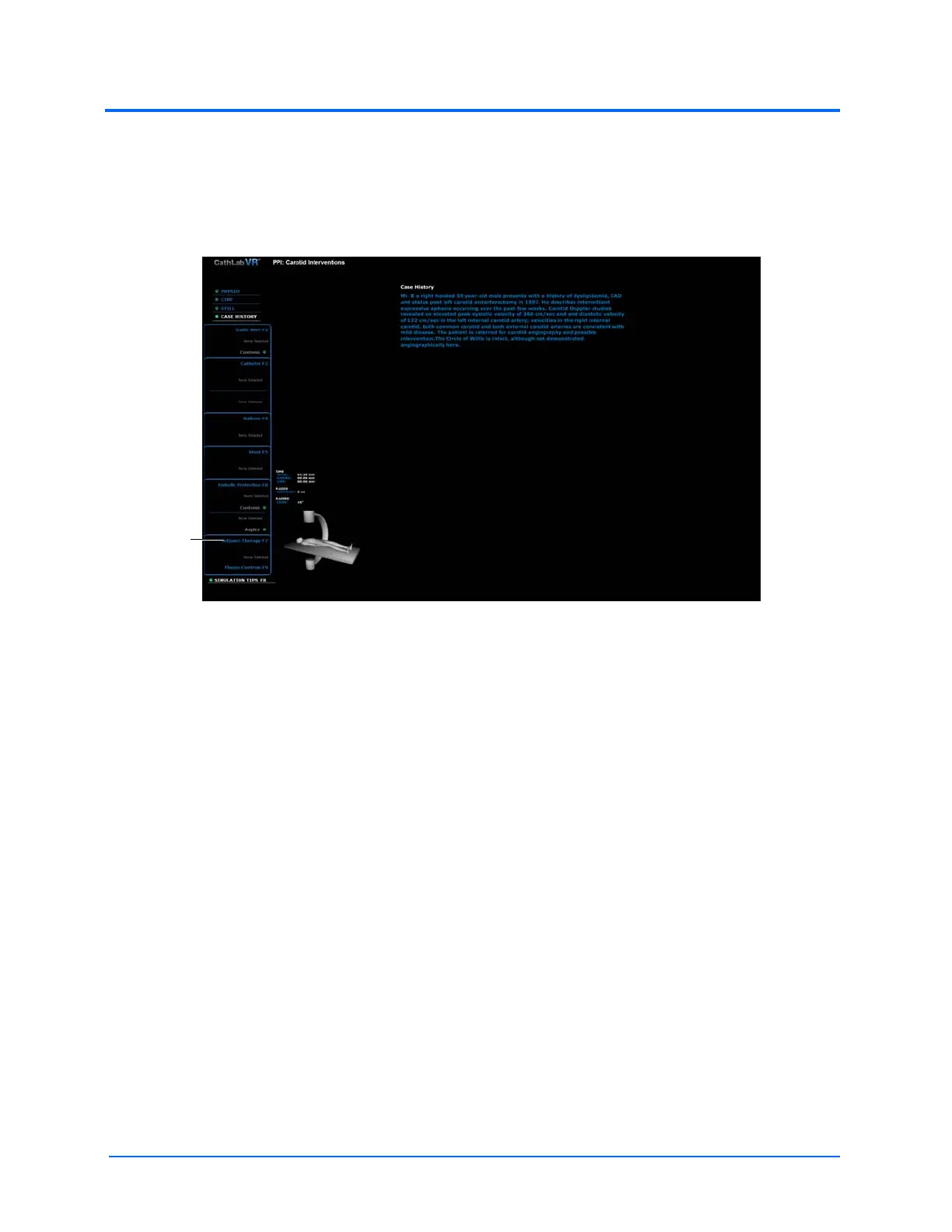
To select an adjunct therapy, click the Adjunct Therapy link inside the tools selection panel.
Note: The adjunct therapy selection may not change the vital signs of the patient during times of
non-complications; however, selections of all therapies are tracked by the software and will appear in
the Results screen.
The
Adjunct
Therapy
selection
panel



 To Next Page