Using the Simulator
41
PN: 905K400652
Customizing a Wire or Stylet
Once any wire is selected, the Customize button will become available.
To customize a wire or stylet:
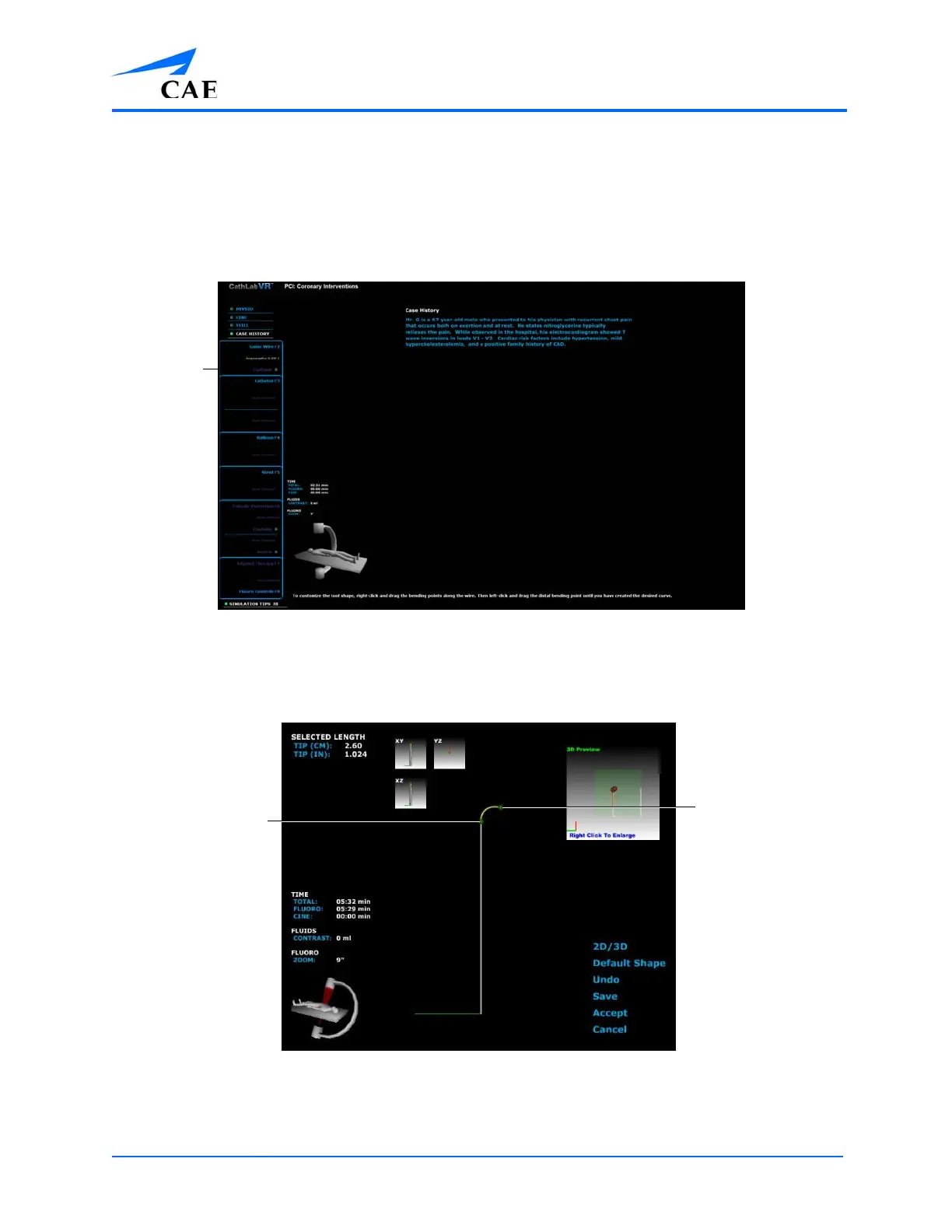
1. Select a tool from the Tool Selection panel
The Simulation Screen - Tool Selected
2. Click Customize
The selected tool, in its default 2-D shape will appear on the left monitor.
The Customize Screen - 2D Image
3. Right-click on the bending points
Note: The bending points are indicated by green balls.
A bending
point
A bending
point



 To Next Page