Using the Simulator
44
CAECathLabVR
PN: 905K400652
Using the Venogram Balloon
Note: This feature is only used during the CRDM module.
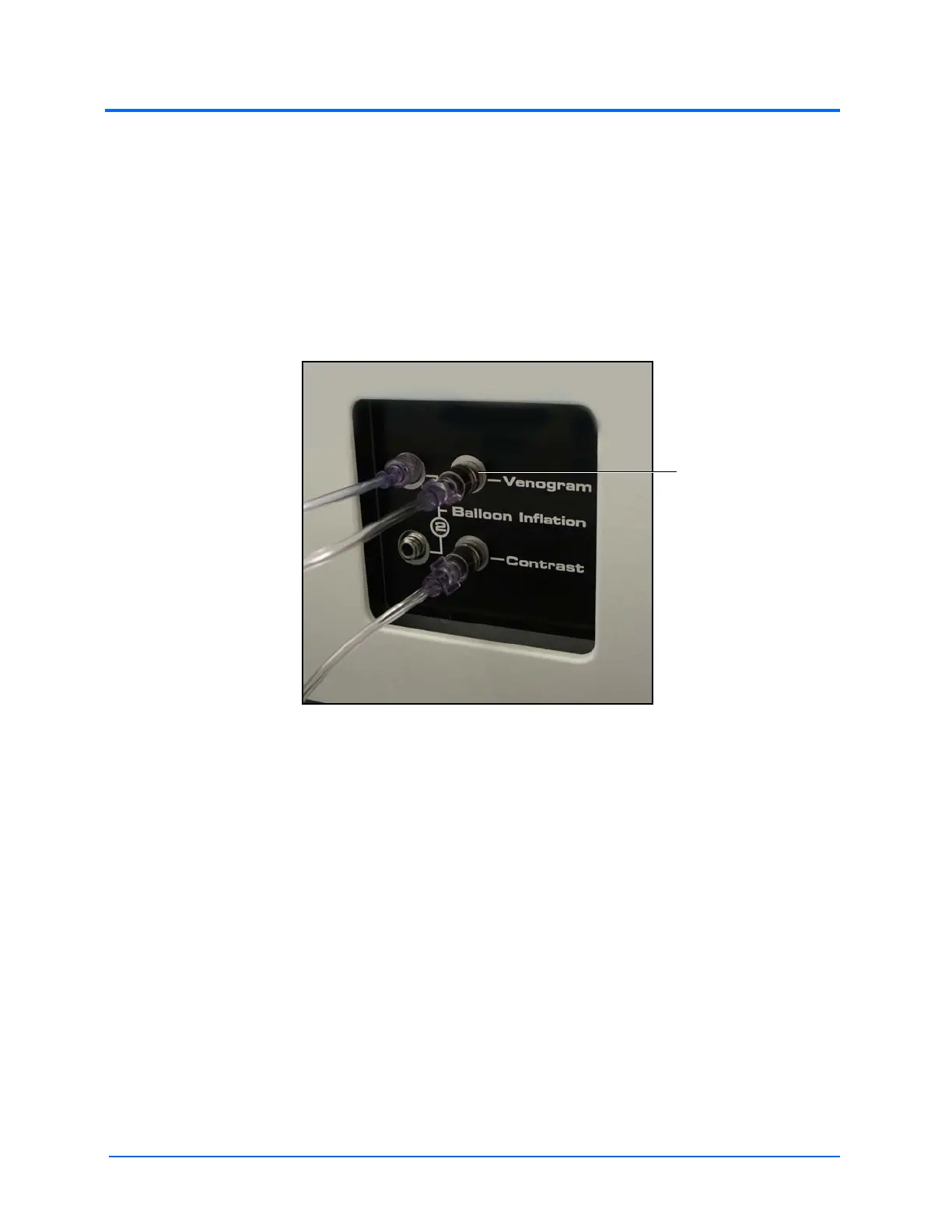
The venogram balloon is inflated by an syringe during a venogram procedure to identify the anatomy
of the veins and properly place a lead. This syringe is connected via tubing to the Venogram port
located on the back of the simulator.
To use the venogram syringe:
1. Ensure the venogram syringe is connected to the back of the simulator
The Accessory Ports
2. Pull back on the syringe
3. On the contrast syringe, push the contrast syringe to “inject” the contrast dye
The contrast dye pulses through the vessels on the x-ray.
4. Depress the venogram syringe to inflate the balloon



 To Next Page