Upgrade Instructions & Embedtek Specs
81
PN: 905K400652
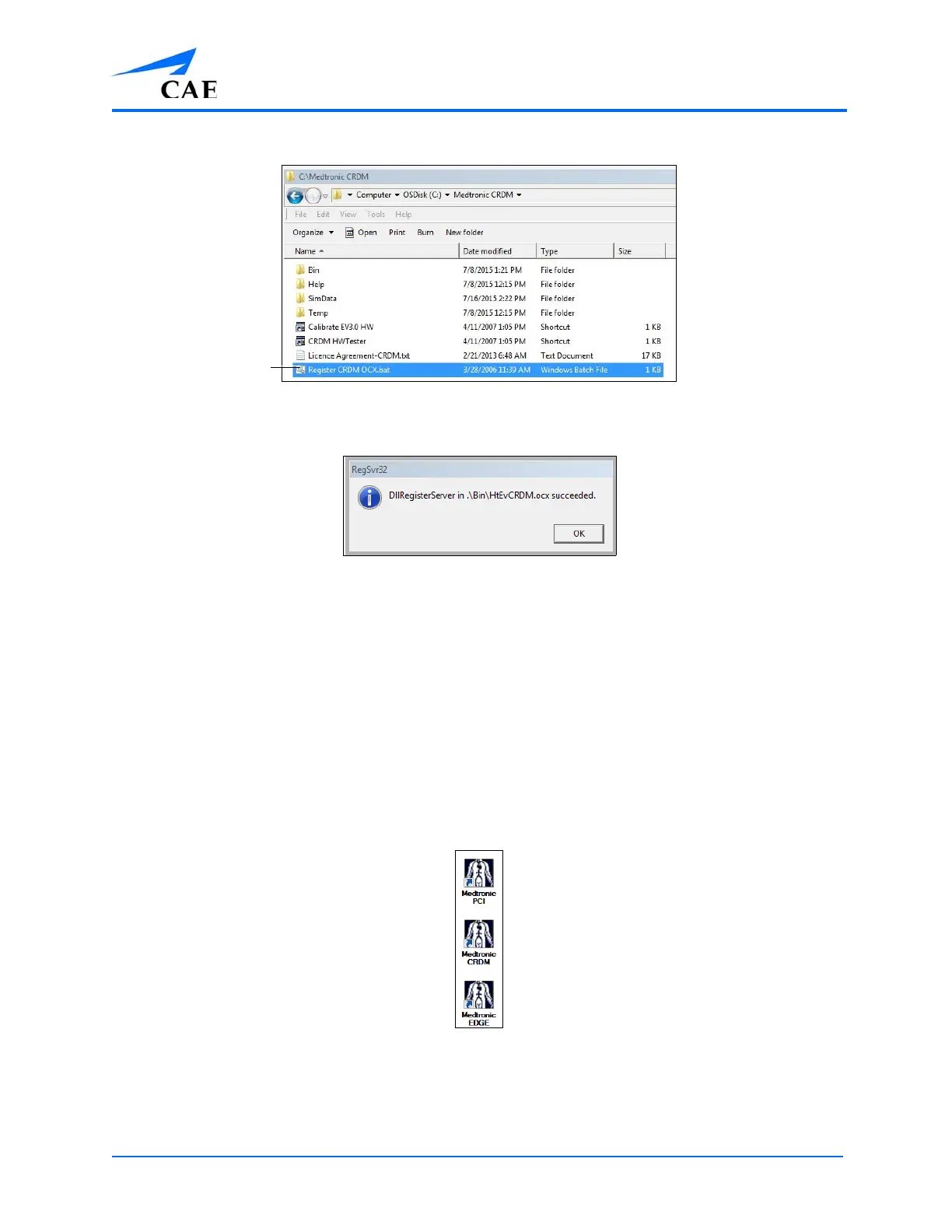
b.Double-click the file Register CRDM.OCX.bat to run the register
The Register File
c.Click OK when the register is complete and succeeded
The Succeeded Window
Repeat the same steps for PCI and EDGE products.
For PCI:
a.From the computer, open the C:\Medtronic PCI folder
b.Double-click the file Register PCI.OCX.bat to run the register
c.Click OK when the register is complete and succeeded
For EDGE:
a.From the computer, open the C:\Medtronic EDGE folder
b.Double-click the file Register EDGE.OCX.bat to run the register
c.Click OK when the register is complete and succeeded
To run Medtronic, click the PCI, SRDM, or EDGE icon on the computer desktop.
The Icons



 To Next Page