Using the Simulator
27
PN: 905K400652
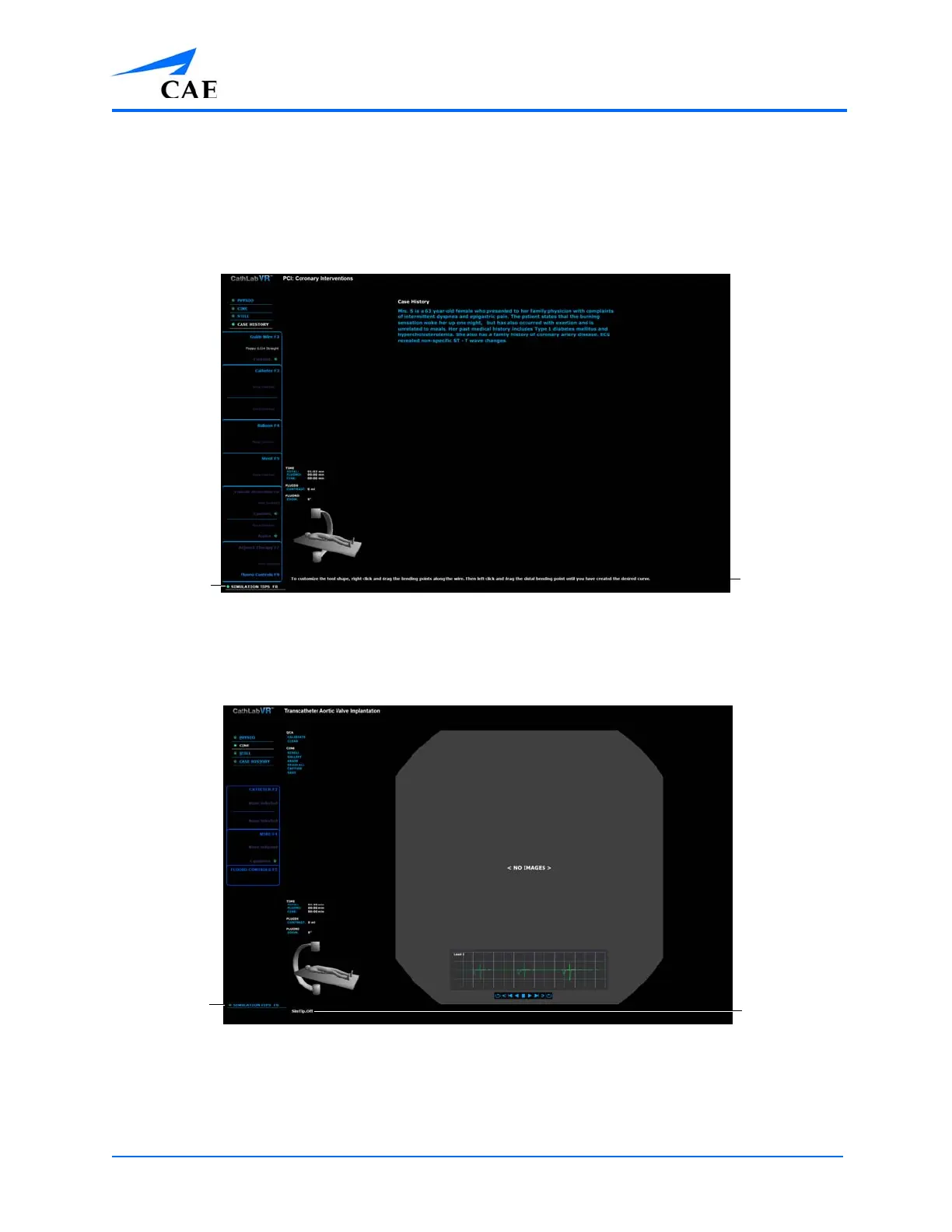
Using the Simulation Tips
The simulation tips feature guides the learner through a procedure with tips for completing the next
required action during a running simulation. The simulation tips are present by default.
The simulation tips appear in the bottom-left corner of the left monitor.
The Simulation Screen - Simulation Tips On
To turn off the simulation tips, click the Simulation Tips feature. The simulation tips off message
appears.
The Simulation Screen - Simulation Tips Off
The
Simulation
Tips feature
The
Simulation
Tips message
The
Simulation
Tips feature
The
Simulation
Tips message



 To Next Page