Using the Simulator
26
CAECathLabVR
PN: 905K400652
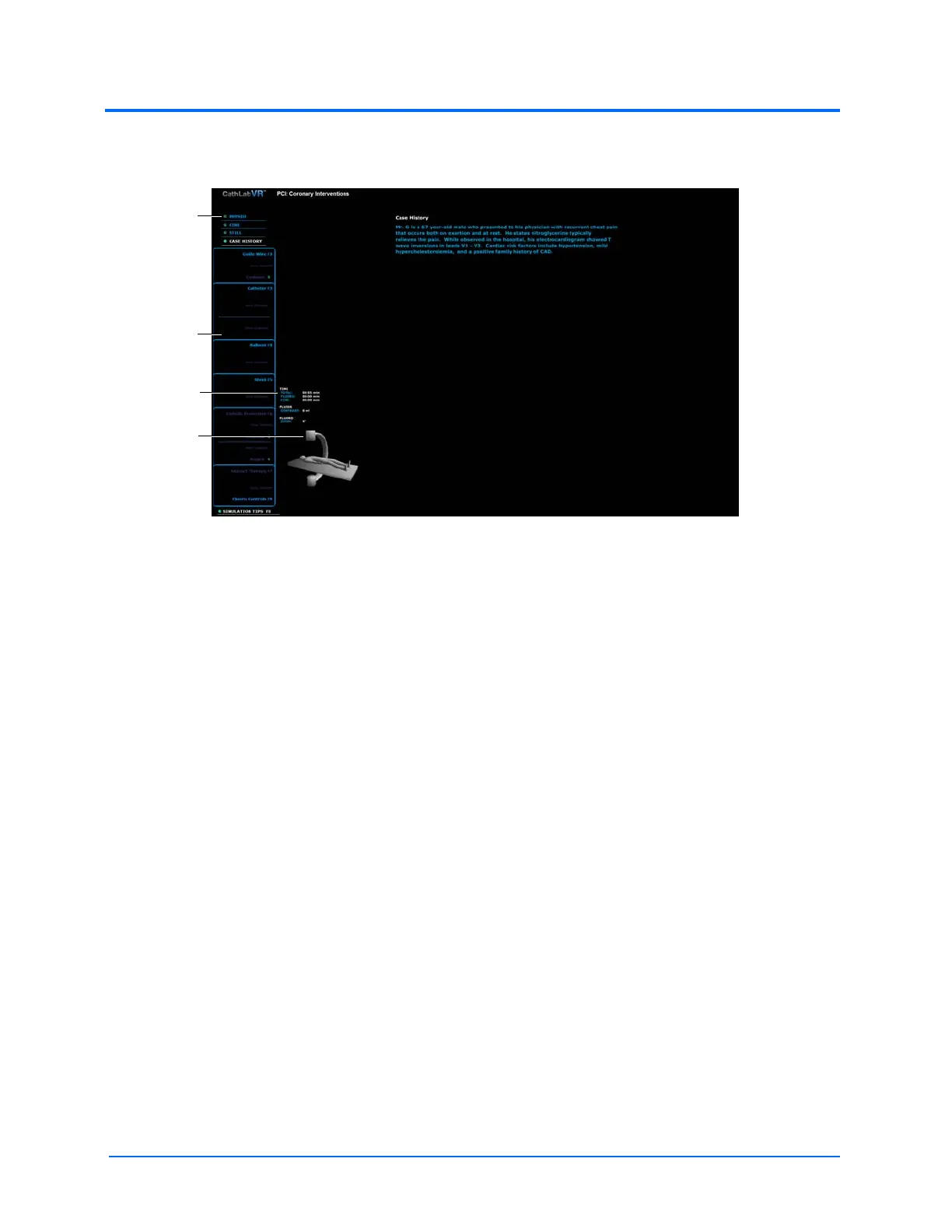
The left monitor displays the tool selection panel, C-Arm glyph and coordinates, and the
feature options list: Physio, Cine, Still and Case History.
The Simulation Start Screen - Left Monitor
Note: Be sure to observe the content on both monitors while performing procedures.
When learners choose a feature from the features list, the content populates the left
monitor.
The feature
options list
The tool
selection
panel
The C-Arm
glyph
The C-Arm
coordinates



 To Next Page