Using the Simulator
28
CAECathLabVR
PN: 905K400652
Selecting a Tool
The CathLabVR offers a selection of multiple tools for successfully completing a procedure. Users
select the tools from the hardware (wires, catheters, etc.) that they deem appropriate for the task
they chose and identify the selected tool in the software.
To select a tool in the software:
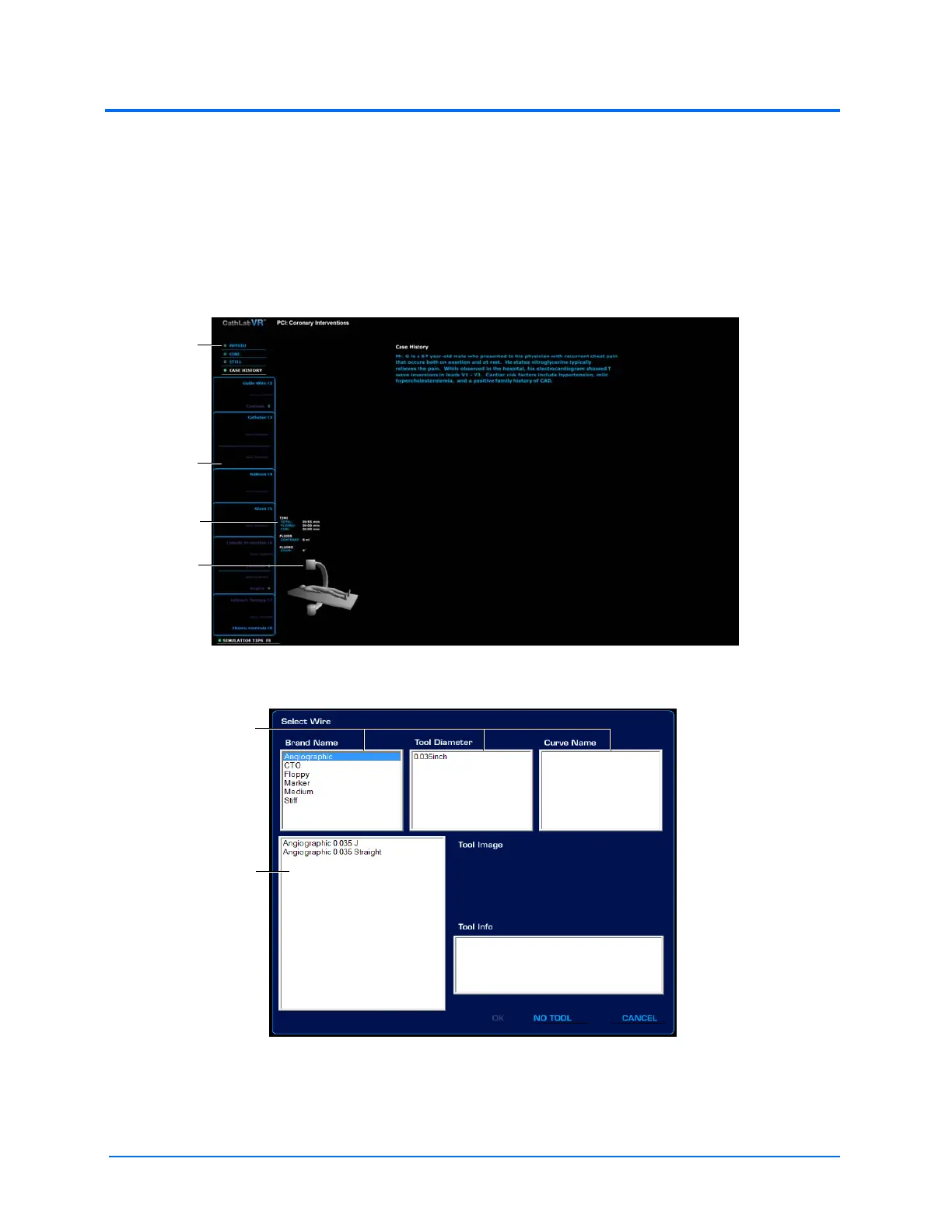
1. From the simulation screen left monitor, choose a tool pod in the tool selection panel
The Simulation Screen - Left Monitor
The Tool Selection Window
The feature
options list
The tool
selection
panel
The C-Arm
glyph
The C-Arm
coordinates
The options
panels
The filter
results panel



 To Next Page