Using the Simulator
30
CAECathLabVR
PN: 905K400652
Inserting a Tool
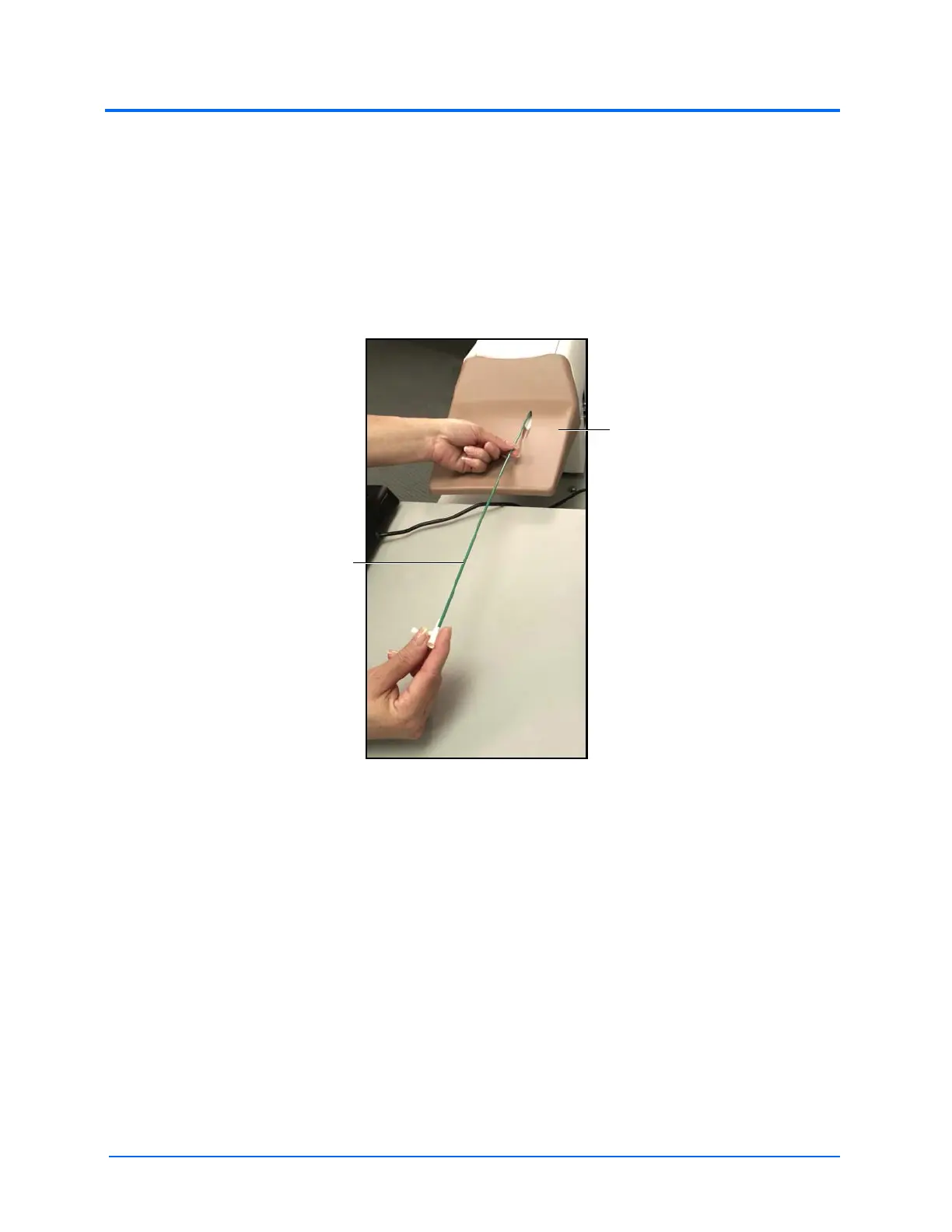
Guide wires and catheters are the selected tools that can be physically inserted inside the simulator.
Note: Prior to inserting a tool into the simulator, select the tool in the software using the tool
selection panel.
To insert a tool in the simulator:
1. Align the tool with the hole and gently feed the tool into the hole
The Tool Insertion
The Smart Capture feature initiates on screen.
Note: The Smart Capture feature appears on the right monitor.
2. Depress the Fluoro foot pedal to activate the x-ray feature
3. Continue to slowly insert the tool until all four lights on the Smart Capture feature turn
green
The catheter
tool
The
simulator



 To Next Page