Using the Simulator
39
PN: 905K400652
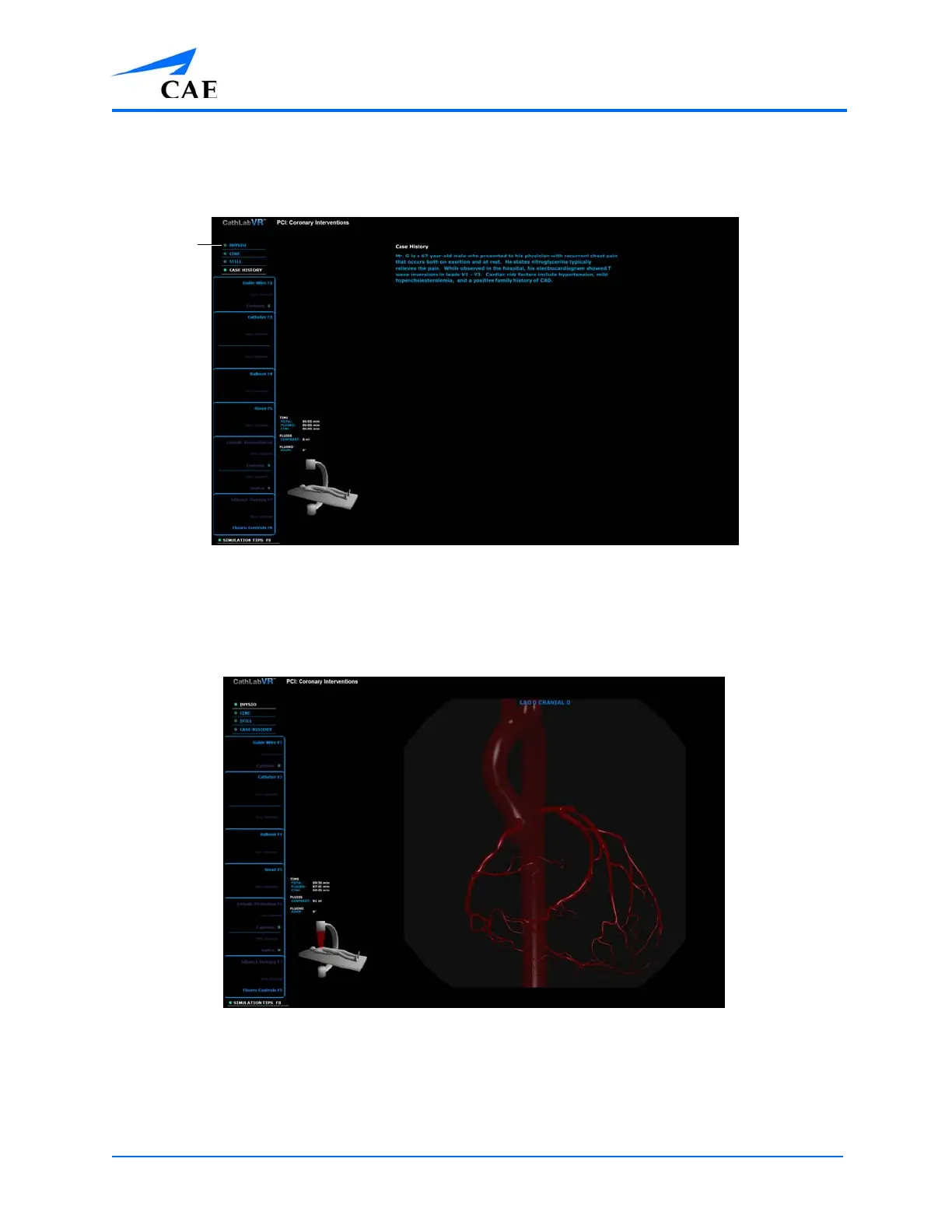
Using the Physio Feature
The Physio feature displays a 3-D image of the anatomy for the module.
The Simulation Screen - Left Monitor
To activate the physio view, from the features options list, click Physio.
The Physio image appears on the left monitor.
The Simulation Screen - Physio View
The anatomy beats in rhythm with the virtual patient’s pulse, and rises and falls according to the
patient’s breathing. Other information displayed specifically in the Physio View includes the
fluoroscopy angles and cumulative time, fluids and fluoro information and the C-Arm/Table glyph.



 To Next Page