Using the Simulator
24
CAECathLabVR
PN: 905K400652
Running a Simulation
Prior to running a simulation, prepare for the simulation by completing the following steps:
1. Select the desired task
2. Review the associated didactic content
After the preparation steps are complete, start the simulation.
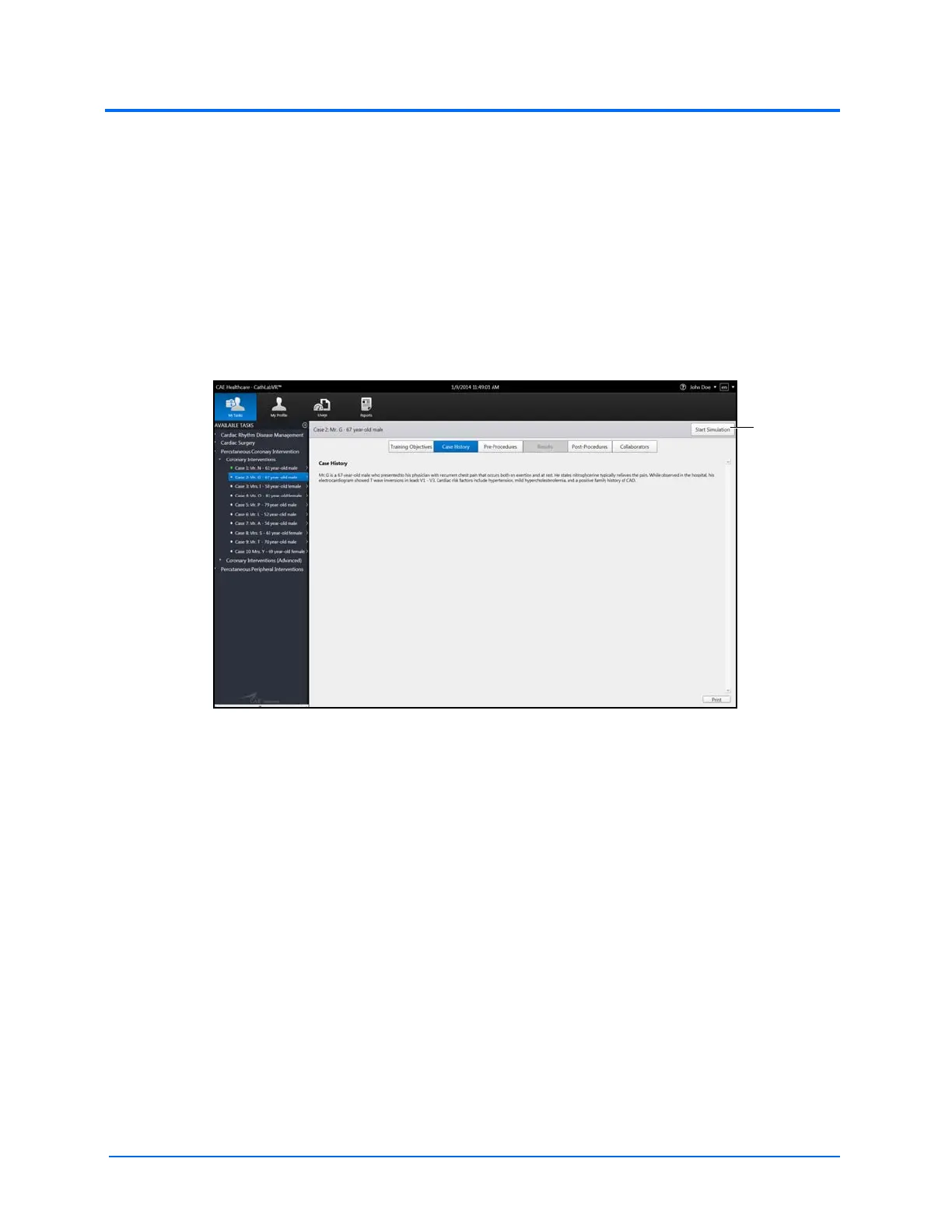
To start a simulation:
1. Click the Start Simulation button from any screen within the selected task
The Case History Screen
The Start
Simulation
button



 To Next Page