Using the Simulator
43
PN: 905K400652
Fixating an Active-Fixation Lead
Users can select an active-fixation lead for CRDM procedures and fixate the lead.
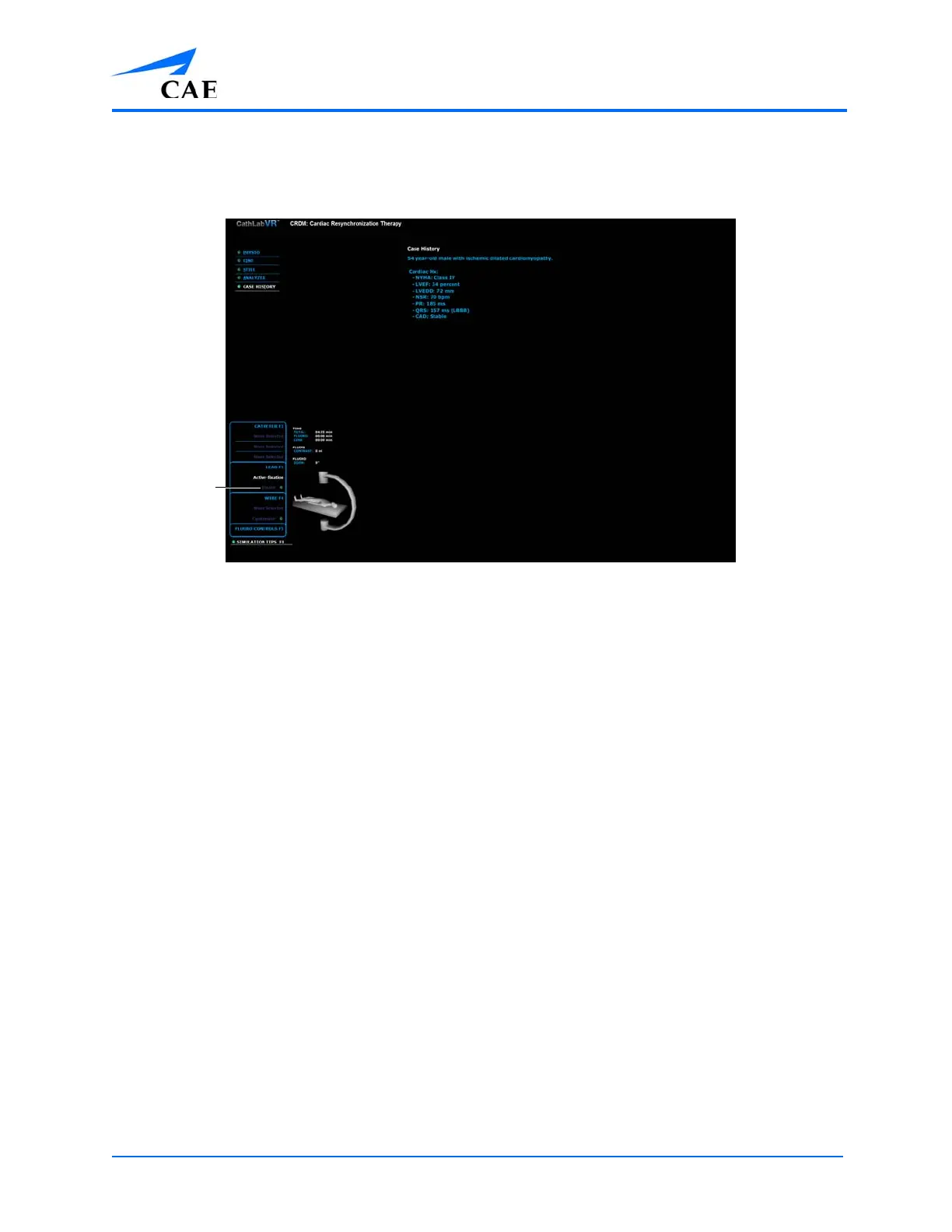
The Simulation Screen - Active Fixation Lead Selected
To fixate an active-fixation lead tip:
1. Place the active-fixation lead tip in the desired anatomical location
2. Click Fixate
Once Fixate has been selected, rotation of the stylet will not cause the lead body to
rotate, but instead will enable the lead’s fixation mechanism.
As the stylet is rotated, the radio opaque markers on the distal portion of the lead will
move to indicate that the fixation mechanism has been deployed.



 To Next Page