Using the Simulator
50
CAECathLabVR
PN: 905K400652
During pacing, the pacing threshold and impedance will be indicated.
3. Select Switch ECG Leads to view a different surface ECG, (Lead I and AVF are available)
4. Select Pause Display to freeze the current ECG and ECG tracing
Note: Selecting Pause Display again will resume real-time ECG.
5. Select the desired (cathode) electrode, (distal or proximal) if more than one electrode
can be selected for pacing
6. Select Test at 10V to evaluate for extra-cardiac stimulation
7. Once acceptable pacing and sensing thresholds are achieved and no extra-cardiac
stimulation is present, deselect PACE
The threshold data from this location will be saved in the Pacing Log on the Case Review
Results screen.
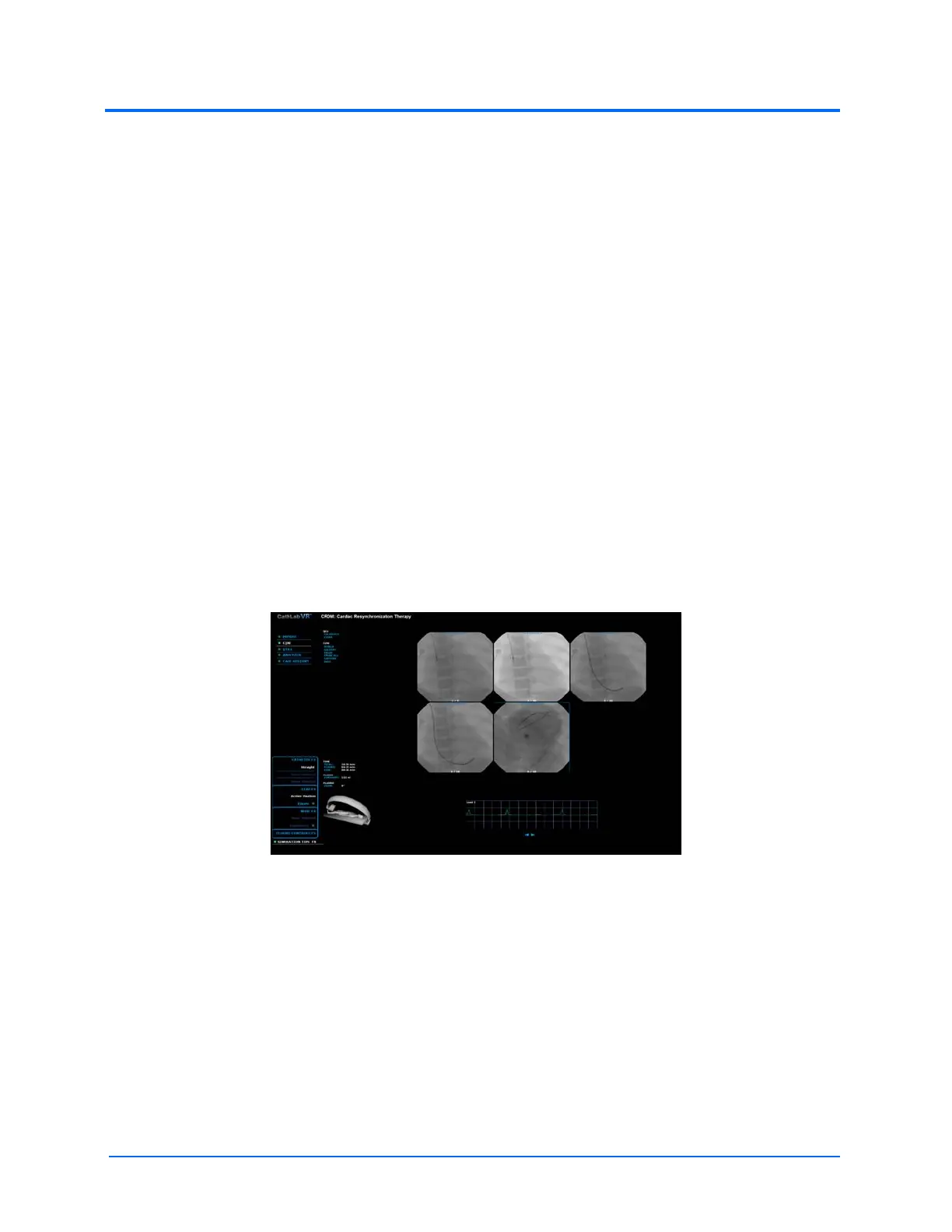
Accessing the Cine Gallery
Video captures are stored in the Cine gallery.
To access the Cine Gallery:
1. From the features list, select CINE
2. From the Cine menu, select Gallery
3. Double-click on the desired Cine image in the gallery to access the Cine recording
The Simulation Screen - Cine Gallery
Note: In all procedures of the CRDM module, depress the LEFT pedal (labeled Fluoro) to
use the Cine feature.



 To Next Page