Using the Simulator
62
CAECathLabVR
PN: 905K400652
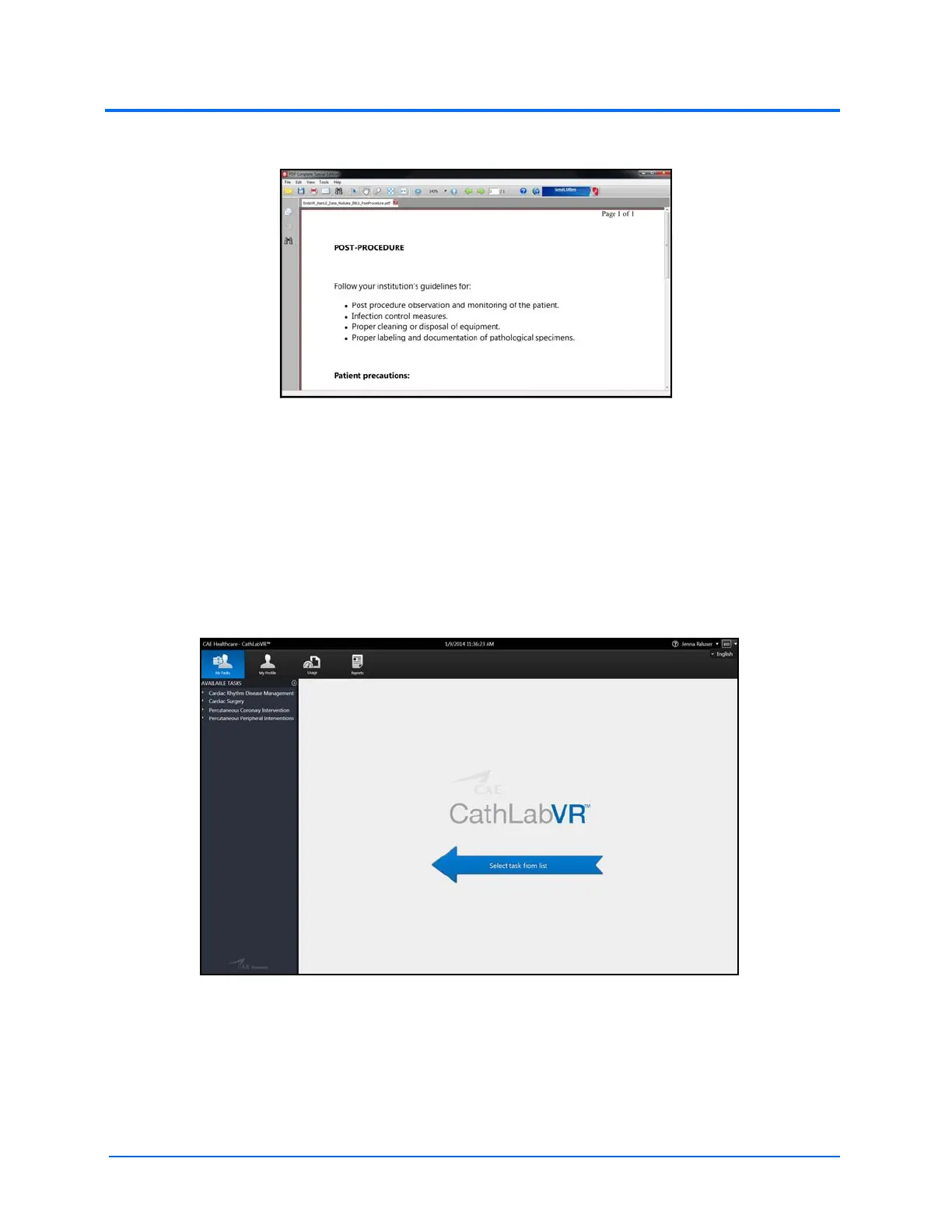
The PDF Complete Special Edition window appears with the completed PDF.
The PDF Complete Window
Modifying Language Preferences
Learners can change the language settings for their personal account using the language preferences
menu in the top right corner of the screen.
To modify the language preferences:
1. Click the Language Preferences menu
The Home Screen
2. Select the preferred language from the drop-down menu
A checkmark appears next to the selected language and the language is applied to the
software.
Note: Since the CathLabVR software is currently only available in English, no other options are available
to set as the default language.
The
Language
Preferences
menu



 To Next Page