Using the Simulator
61
PN: 905K400652
3. Click Print
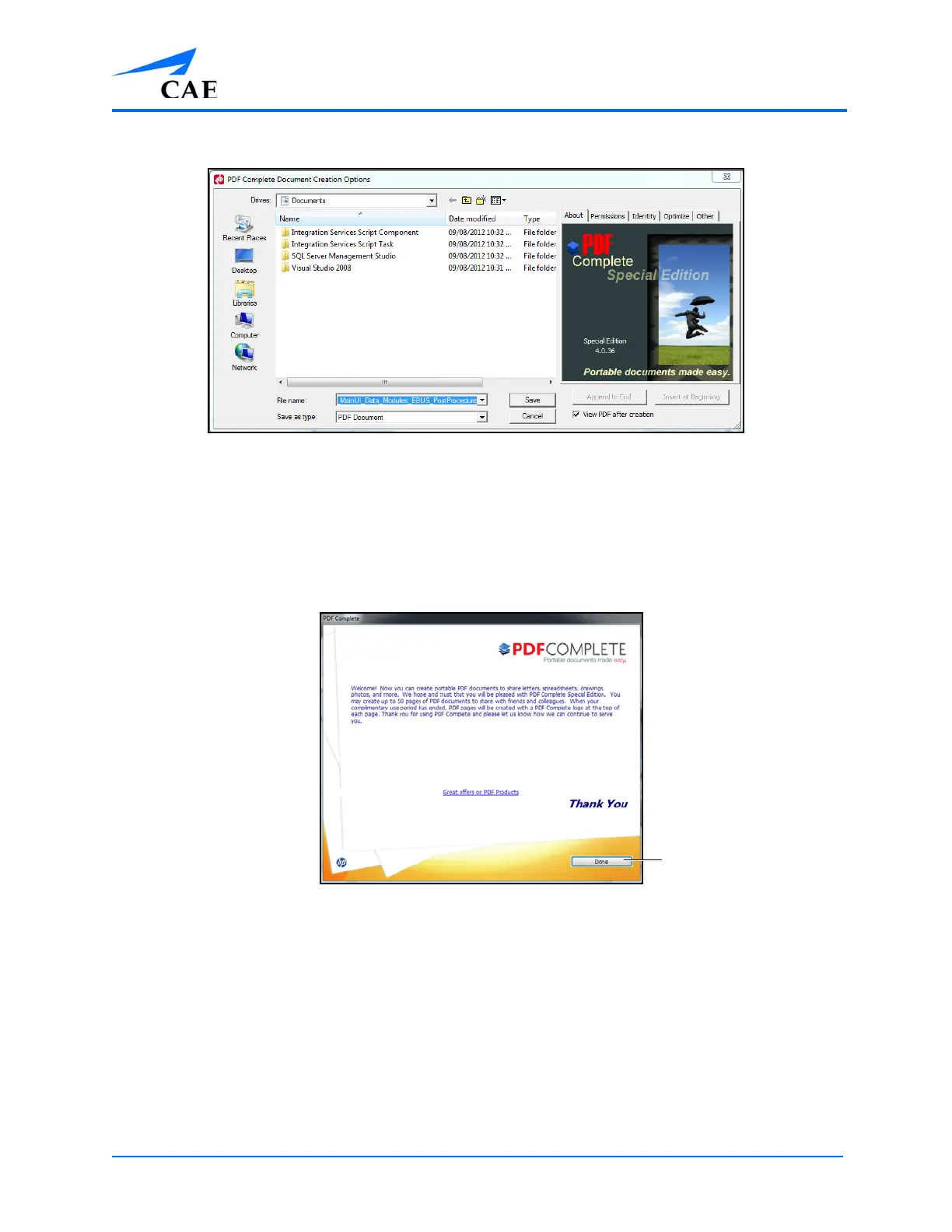
The PDF Complete Document Creation Options Window
4. Select the desired folder where the file will be saved
Note: If the location is on an external device, use the USB port located on the back of the
simulator to connect the external device to the simulator.
5. Enter the desired file name in the File name field
6. Click Save
The PDF Complete Window
7. Click Done



 To Next Page