Using the Simulator
60
CAECathLabVR
PN: 905K400652
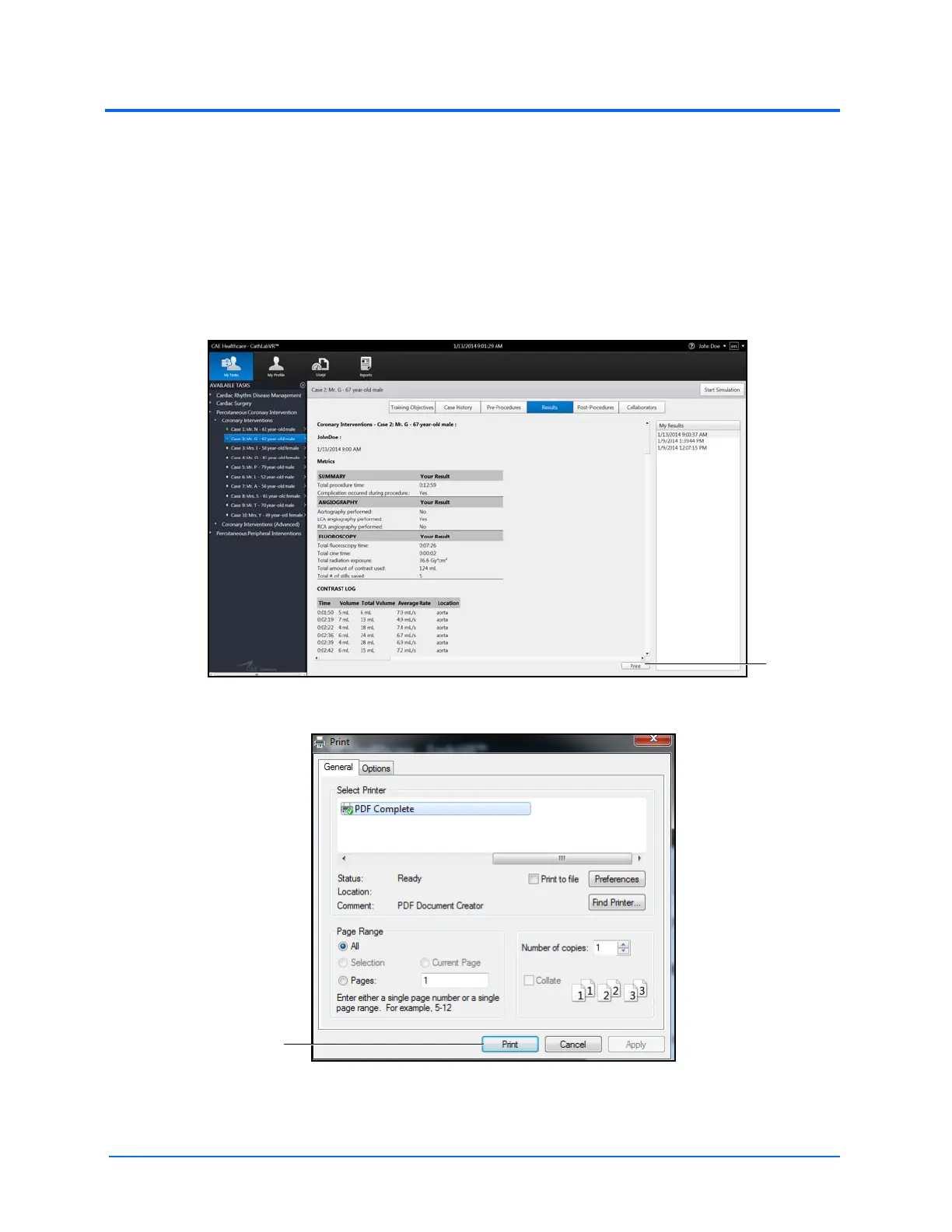
Printing Data to a PDF File
If network connection is not available or no network printers are available, users can print data to a
PDF file and save the file to an external device to print on a computer with a network printer
connection.
To print the data to a PDF file:
1. From the selected screen, click the Print button located near the bottom right corner of
the screen
The Results Screen
The Print Window
2. Select the PDF Complete program



 To Next Page