Using the Simulator
15
PN: 905K400652
Selecting a Simulation
Each module in the software contains a specially-developed curriculum to test learners on their
ability to perform acute endovacular procedures. Based on the courses and tasks assigned to the
learner by the administrator, the training experience is customized to help the learner meet the
necessary educational objectives.
Note: Learners only have access to the curriculum assigned to them by the administrator.
To select a simulation:
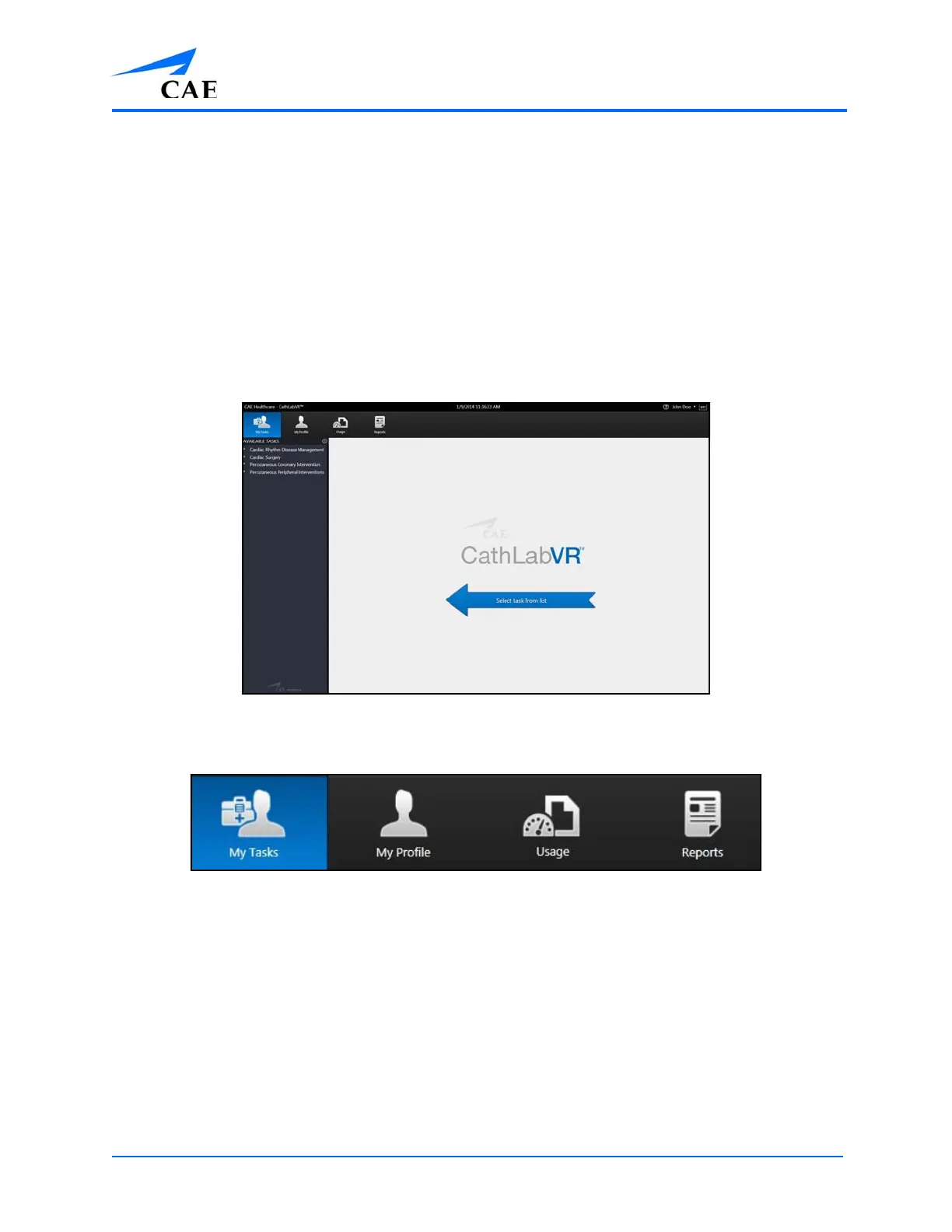
1. Ensure the My Tasks icon is selected and the Home screen is displayed
The Home Screen
Note: When selected, the icon on the dashboard is highlighted blue.
The Icon Dashboard



 To Next Page