Using the Simulator
31
PN: 905K400652
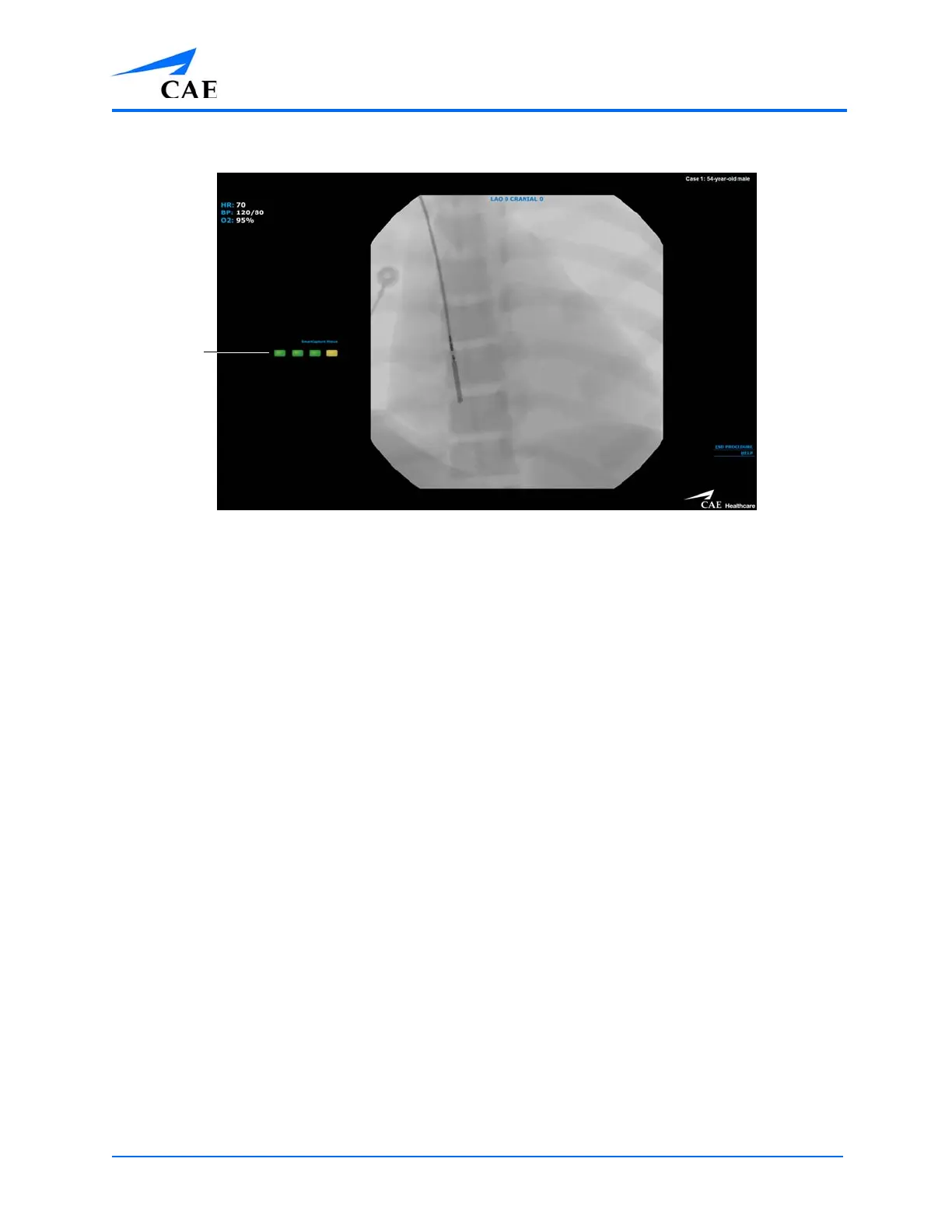
This indicates that the simulator has engaged the tool properly.
The Simulation Screen
4. Activate the Fluoro feature intermittently to view the path of the tool and navigate
appropriately
To manipulate the tool, twist the end of the tool slowly until the to ensure no damage or
perforation occurs.
Note: If the inserted tool conflicts with any of the previous selected tools, the Tool
Diameter Discrepancy message will appear. To select the inserted tool, from the Tool
Selection panel, deselect the conflicting tool and choose the inserted tool.



 To Next Page