Upgrade Instructions & Embedtek Specs
79
PN: 905K400652
A
PPENDIX
C -
U
PGRADE
I
NSTRUCTIONS
AND
E
MBEDTEK
C
OMPUTER
S
PECIFICATIONS
Medtronic CathLab VR™ Upgrade
instructions
Proper operation of the simulator requires correct configuration. Follow this sequence of the steps to
upgrade the Medtronic CathLab VR system software from a Windows® XP computer to a Windows®
7 computer.
To connect a Windows 7 computer (that has upgraded Medtronic CathLab VR software) with an
existing CathLab VR device:
1. Turn the computer ON
2. Connect the computer to the CathLab VR device with a USB cable
3. Connect the CathLab VR device to a power outlet
4. Turn the CathLab VR device ON
5. Start Calibration of CathLab VR HW:
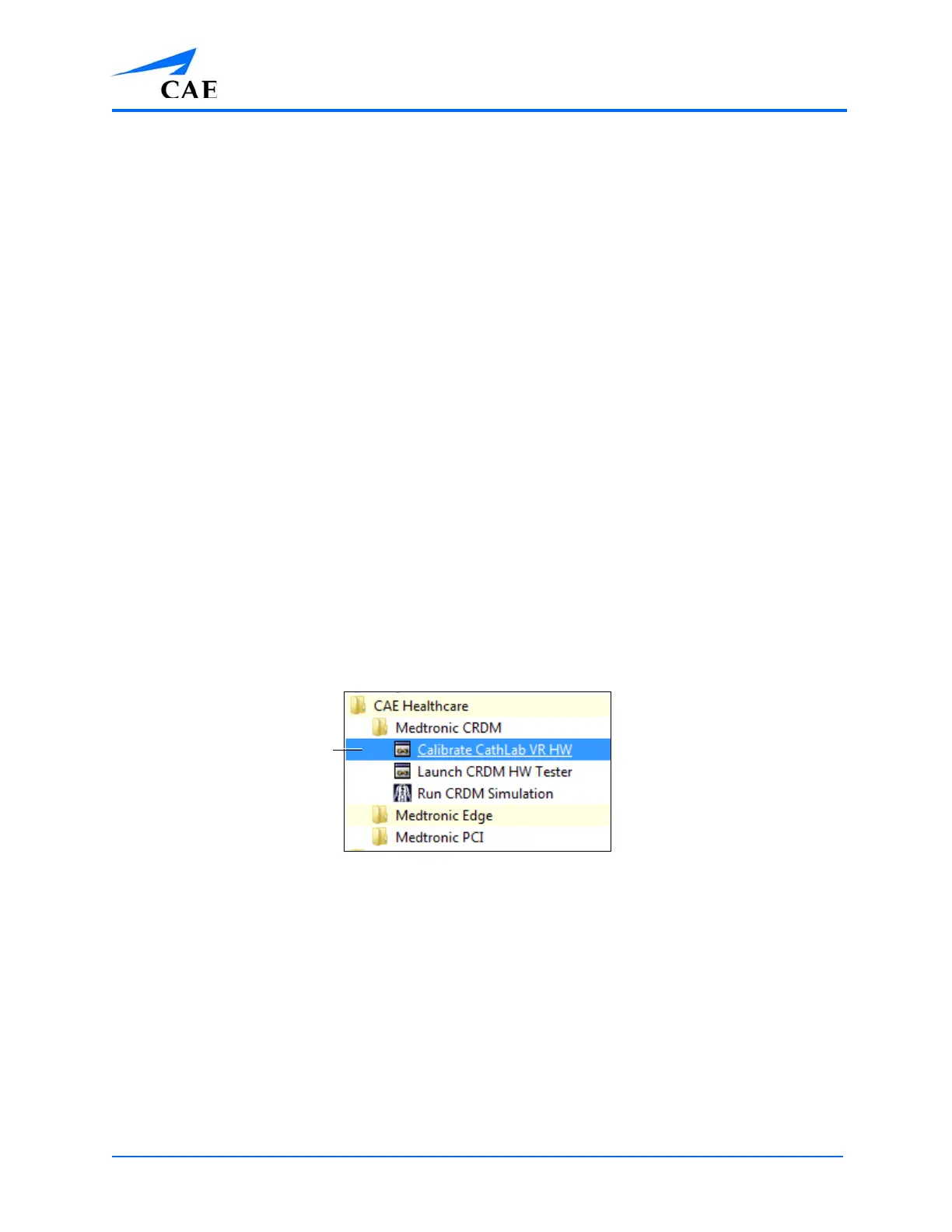
a.From the computer, select Start > All Programs > CAE Healthcare > Medtronic CRDM >
Calibrate CathLab VR HW
The File Location



 To Next Page