Equipment Overview
16 ©2023 CAE 905K600152 v1.4
CAEJuno
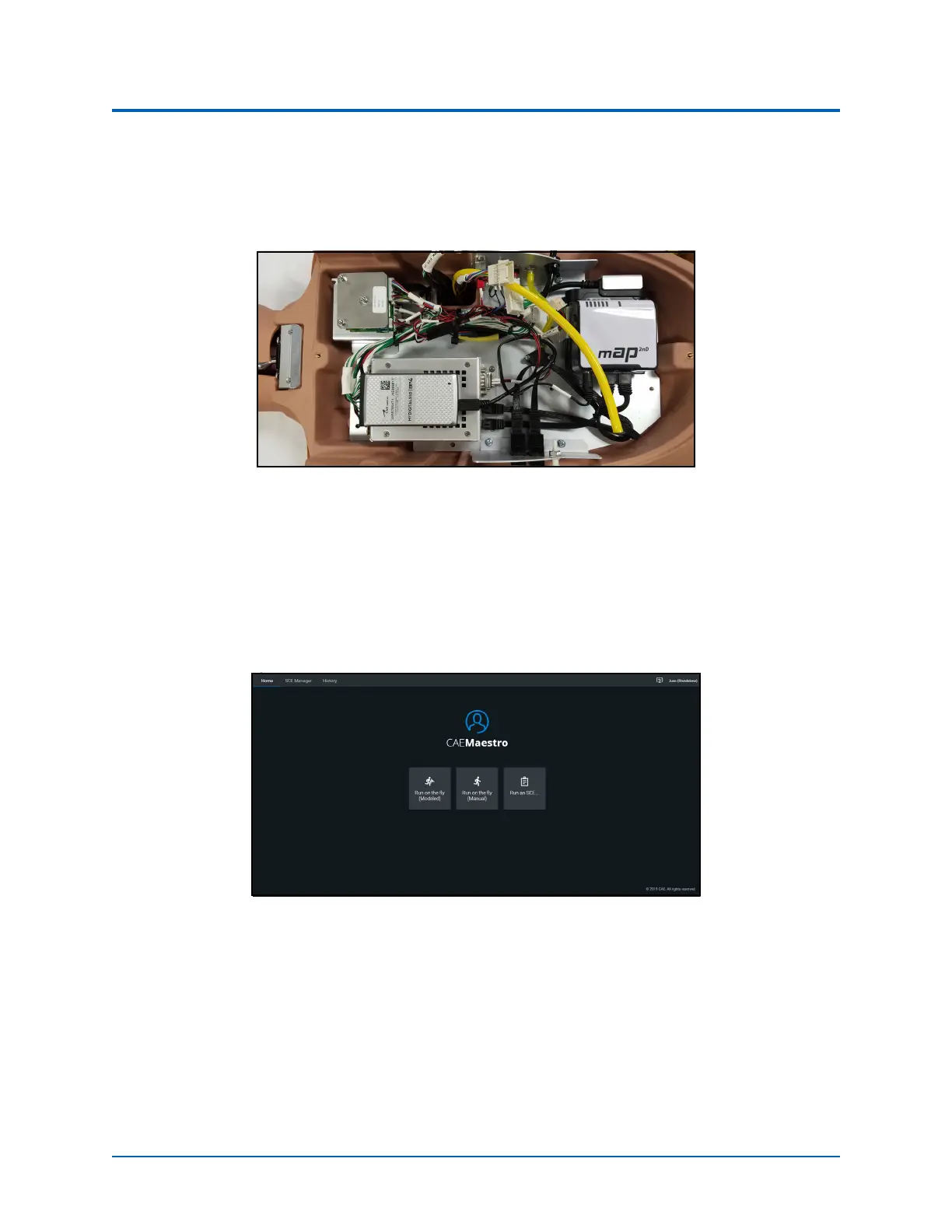
Electronics Live Box
The Live Box electronics module allows you to run SCEs, monitor the patient, apply sounds, and
practice NIBP monitoring and is offered with Live and Complete Juno configurations.
Live Box
CAE Maestro Software
CAE Maestro
TM
software allows facilitators to control and monitor CAE patient simulators and is
offered with Live and Advanced Complete Juno configurations only. Maestro allows you to run
simulations “on the fly” (manually) in both a Manual or Modeled mode, or you can run preconfigured
Simulated Clinical Experiences (SCEs). See the Maestro for Juno user guide for more information.
CAE Maestro™ Software



 To Next Page