Using Juno
74 ©2023 CAE 905K600152 v1.4
CAEJuno
To drain the enema reservoir:
1. Cap the overflow port.
2. Attach syringe to enema fill/drain port on the manikin’s right side.
3. Aspirate fluids.
Note: To ensure the reservoir is completely empty, place the manikin in a 90° sitting position and
aspirate any additional fluid.
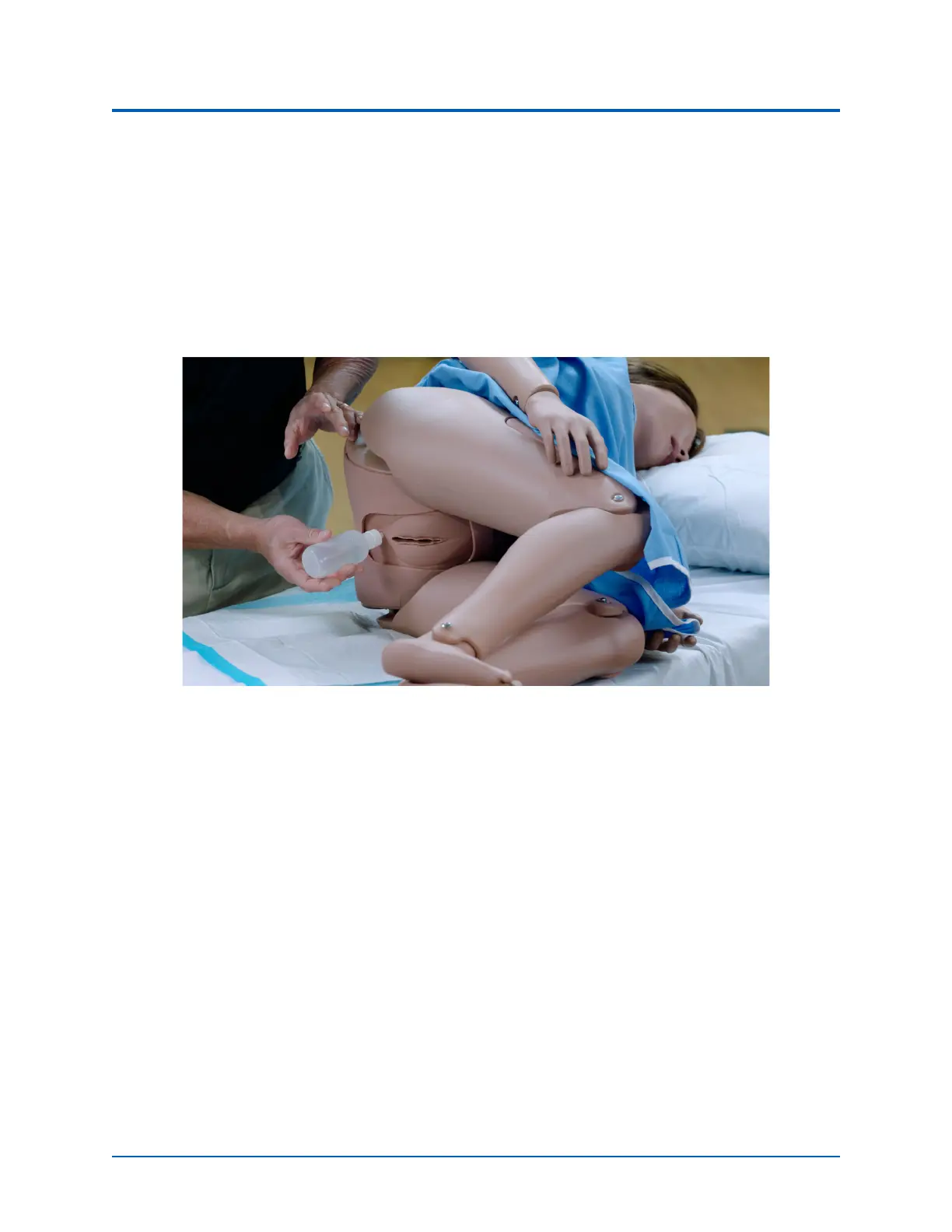
Performing Enema Procedure
Genitourinary System
Juno may beconfigured with either male or either of which allows for the insertion of a urinary
catheter.The genitourinary system also provides for the excretion of urine.
Changing the Simulator’s Genitalia
Juno comes with male and female genitalia.
To change the genitalia:
1. Roll the manikin onto its side.
2. Detach the skin from the lower torso skin attachment pegs by gently pulling the skin tabs
up and over the attachment pegs.



 To Next Page