©2023 CAE 905K600152 v1.4 89
Care and Maintenance
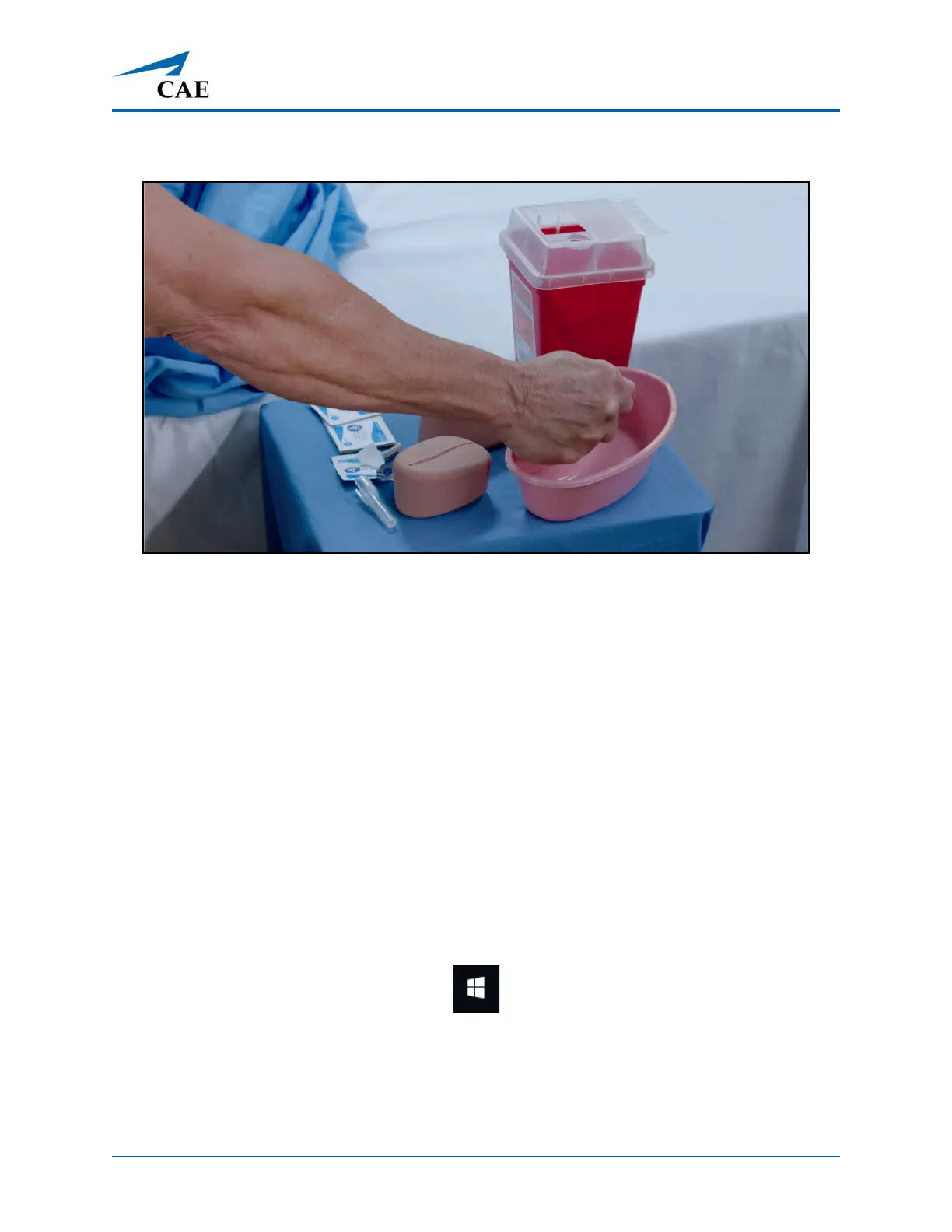
3. Squeeze all the fluid from the sponge and let air dry.
Squeezing Fluids from the Sponge
4. When dry, replace sponge back inside pad.
5. Replace the pad into the injection site.
Step 5: Power off the Instructor Tablet
To power off the Windows Surface GoPro instructor tabletlaptop:
a. Tap the white back arrow at the top left of the Maestro run screen to exit the current
simulation session.
b. Tap Stop.
c. Tap the X in the upper-right corner of the screen to exit Maestro.
The tablet desktop screen appears.
d. Tap the Start menu icon in the lower-left corner.
Start Menu
A menu appears.
e. From the menu, tap the Power button.



 To Next Page