Setup
36 ©2023 CAE 905K600152 v1.4
CAEJuno
Step 4: Attach Juno’s Arms
You need (included):
•
1 Articulated arm (right)
• 1
IV arm (left)
•
2
mounting screws
• 1 Phillips screwdriver
To attach the right articulated arm:
Note: If installing the NIBP arm instead, refer to the instructions at Step 5.
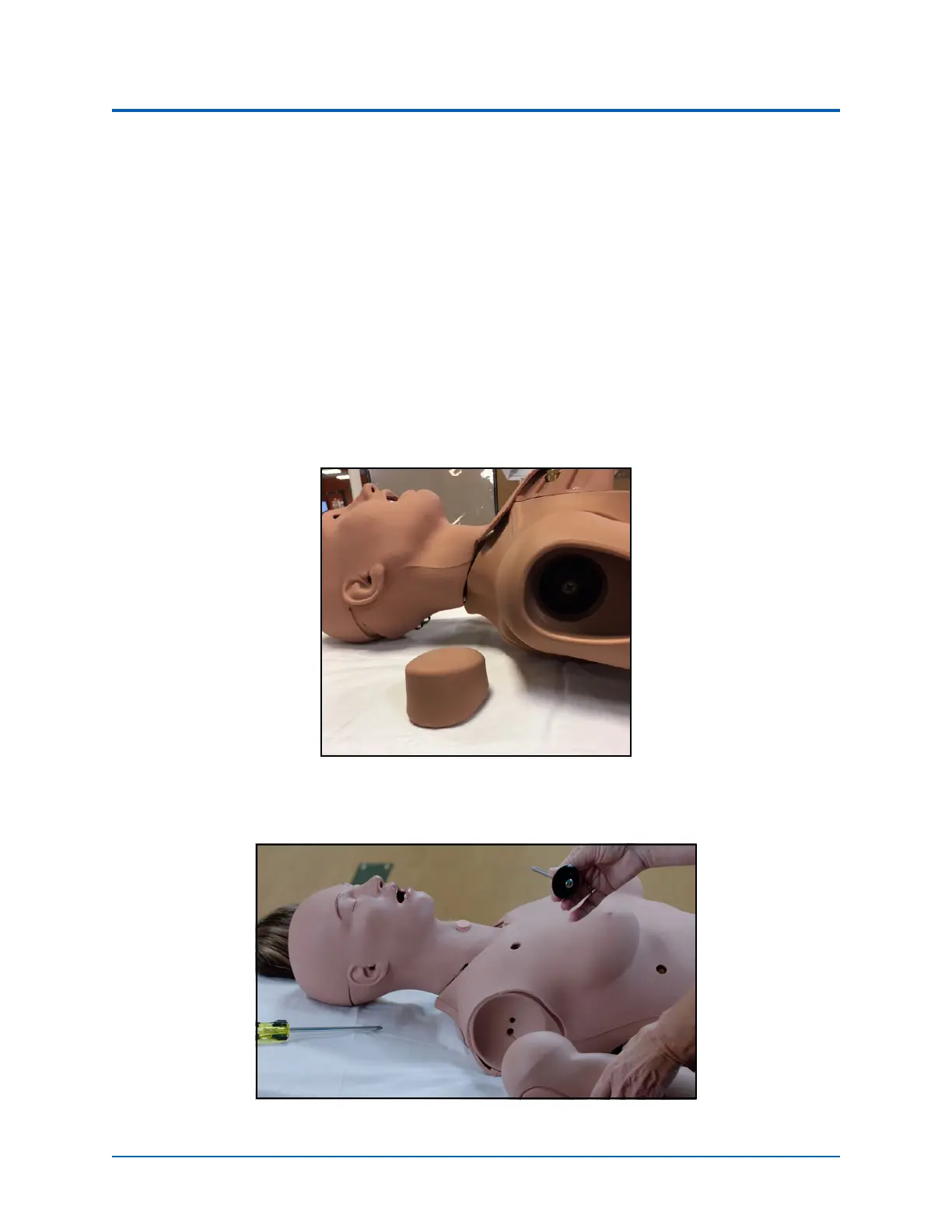
1. Remove the shoulder IM pad to access the shoulder opening.
Mounting Screw Location
2. Attach the mounting screw to the hole in the shoulder mount.
Screw in the Flat Side of the Joint Sphere



 To Next Page