Using Juno
82 ©2023 CAE 905K600152 v1.4
CAEJuno
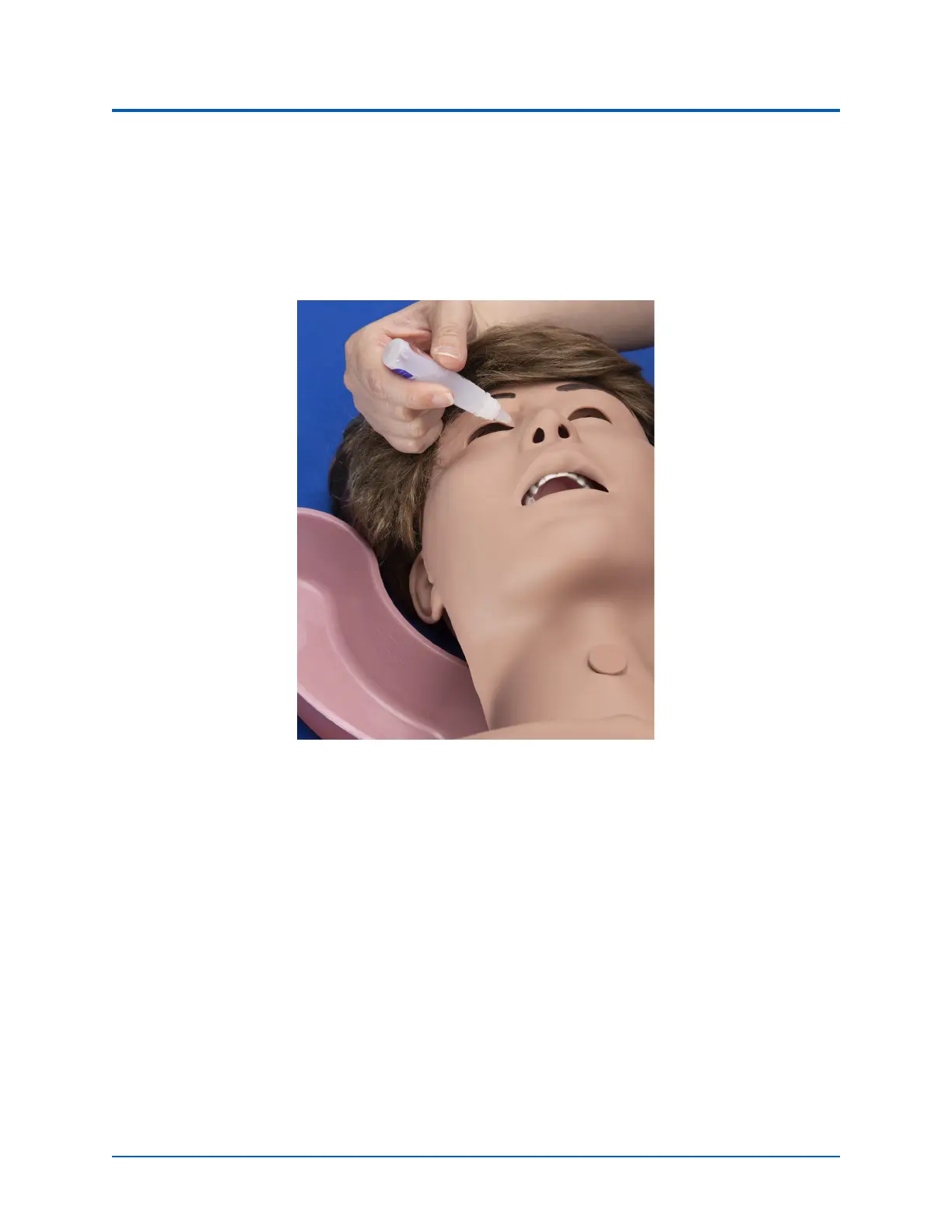
To irrigate eyes:
1. Place a towel under the manikin’s head.
2. Separate the eye lids.
3. Use the eye irrigation device to irrigate eyes.
Eye Irrigation
Sounds
A variety of simulated sounds are available to enhance realism. Sounds are controlled through the
instructor software and a patient must be running in the software for any sounds to be available.
To auscultate sounds on the Juno manikin, be sure to locate a stethoscope prior to beginning a
simulation.
Auscultated Sounds
To auscultate sounds on the Juno manikin, be sure to locate a stethoscope and set up the StethoSym
prior to beginning a simulation.
Note: A patient must be running in the software for any sounds to be available. By default, Normal
sounds are selected.



 To Next Page