Using Juno
78 ©2023 CAE 905K600152 v1.4
CAEJuno
Reproductive System
The Juno manikin allows for the learner to practice:
• Breast examinations (using the optional Breast Exam Module)
Breast Examination
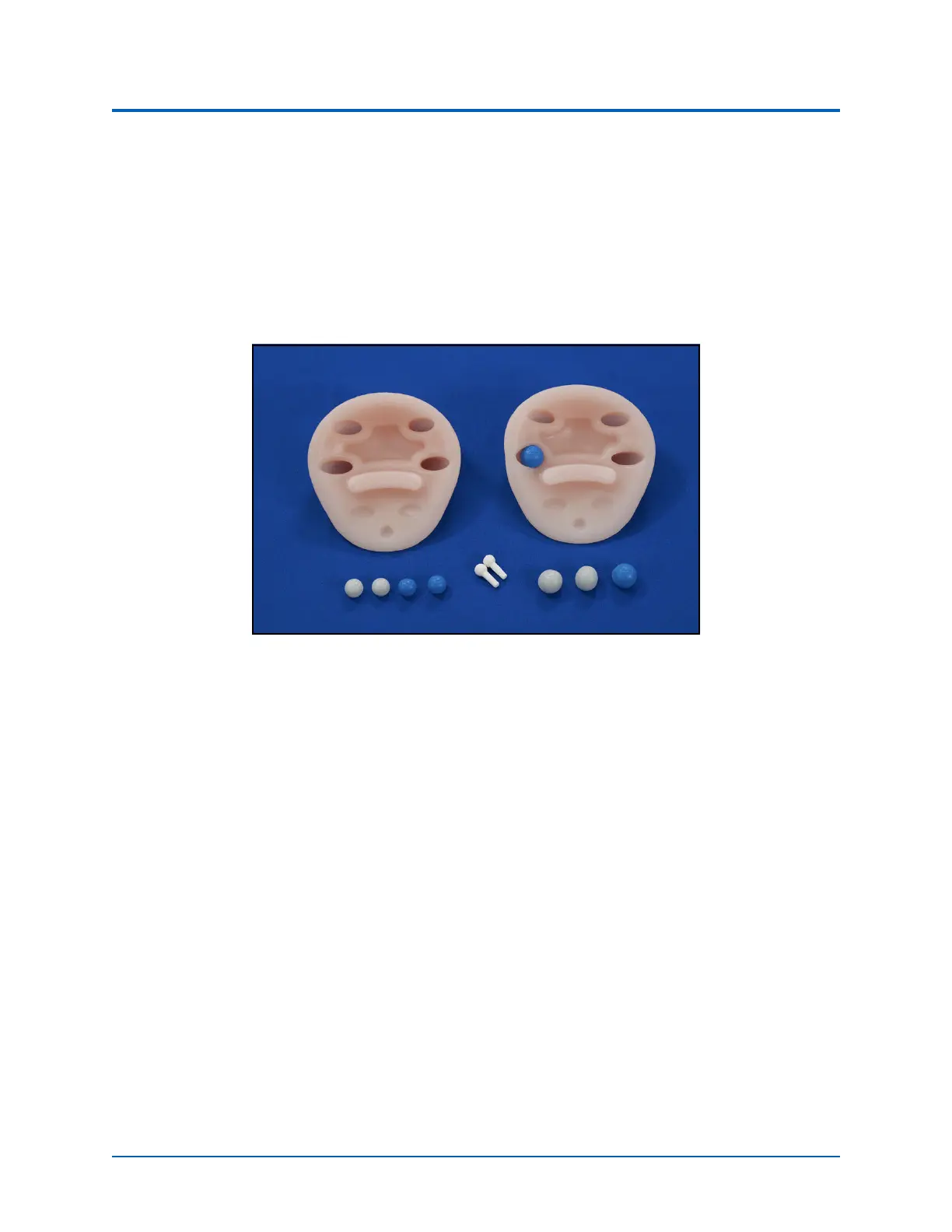
The Breast Exam optional module facilitates training in the recognition of breast disorders. These
disorders are “movable” with the nodules placed within the openings on the inside of the breasts.
Breast Exam Module
To use the breast exam module:
1. Remove the female skin and breasts.
2. Place the nodules in the holes on the underside of the new breasts (movable).
When
placing the nodules, make sure
to take the following size and hardness ch
aracteristics into
ac
count:
º Medium 15 mm soft is difficult to feel when placed inside any of the breast holes.
º Medium hard can be felt throughout.
º Large 20 mm soft is difficult to feel if placed in the bottom row of holes inside the
breast.
3. Place the breast on the chest plate and cover with the skin.



 To Next Page