©2023 CAE 905K600152 v1.4 37
Setup
3. Use the screwdriver to tighten the mounting screw until it is snug and the arm moves
fre
ely.
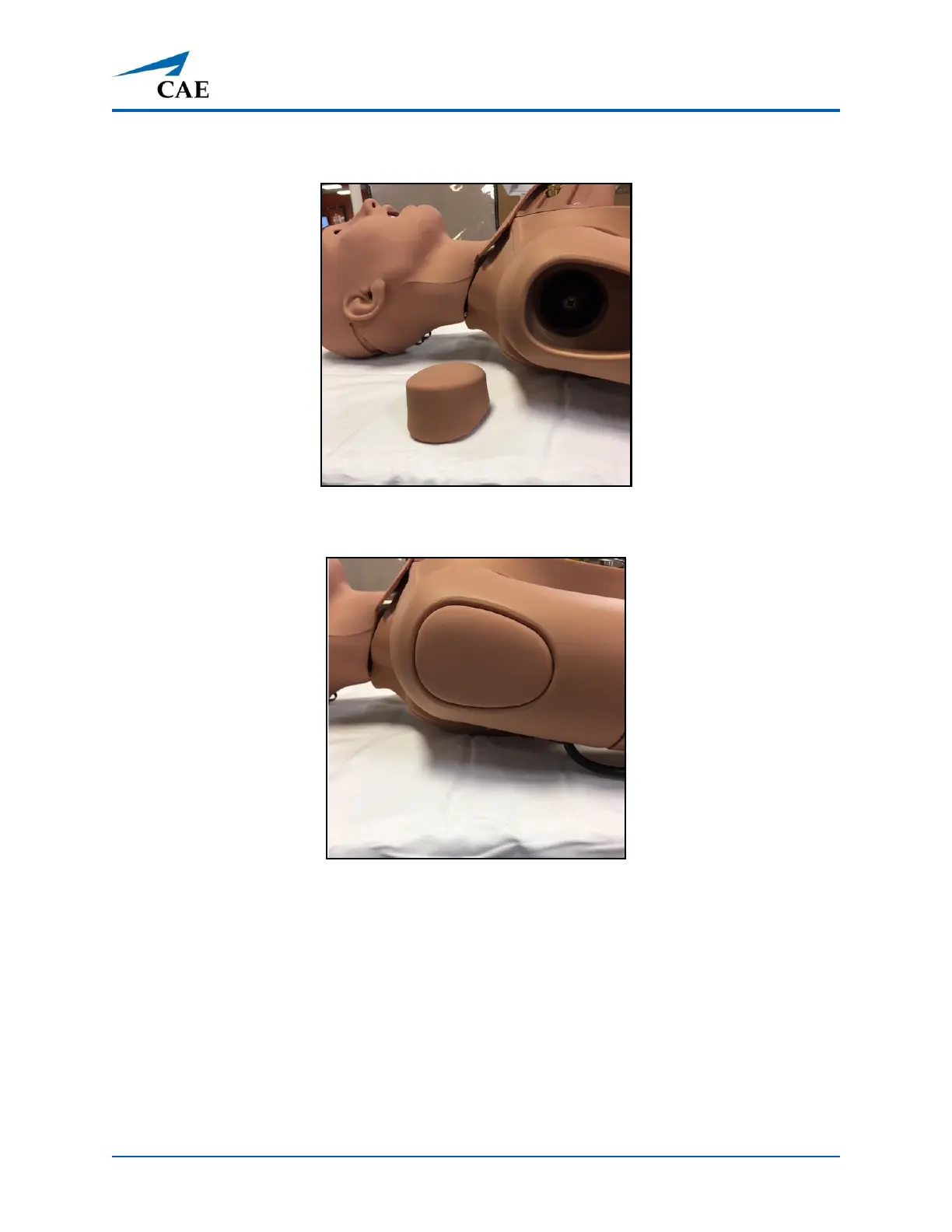
Mounting Screw Location
4. Reinsert the IM pad into the arm.
IM Pad Inserted
5. Repeat the steps for the IV arm on the left side.
Step 5: Install the NIBP Arm (Optional)
Note: You must have Juno Live or Complete to install the NIBP arm.



 To Next Page