Setup
38 ©2023 CAE 905K600152 v1.4
CAEJuno
You need:
• N
IBP Arm
•
#2
Phillips screwdriver (Included)
•
1
Arm screw (Included)
•
1 Jo
int Sphere (Included)
If upgrading to Juno Live or Complete, remove the right articulated arm.
1. Remove the right arm IM pad and set it aside.
2. Unscrew the arm screw and Joint Sphere assembly. Place assembly aside.
3. Place the right articulated arm aside.
To install the NIBP arm:
1. Remove the IM pad from the NIBP arm. Set it aside.
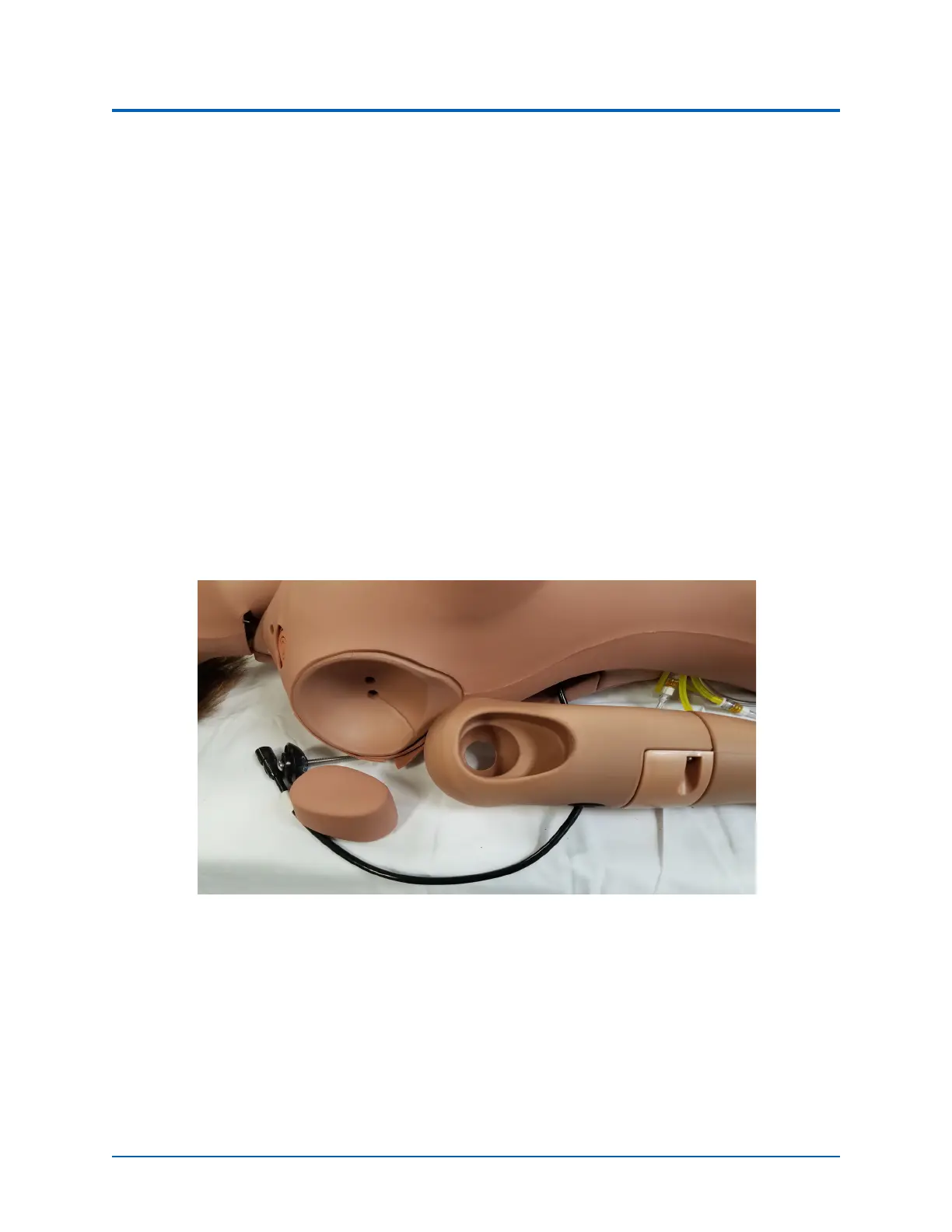
2. Insert a screw into the flat side of the Joint Sphere.
NIBP Arm Ready for Installation
3. Insert the Joint Sphere. Screw the assembly into the mounting hole in the NIBP arm.
4. Attach the mounting screw to the top hole in the shoulder mount.



 To Next Page