©2023 CAE 905K600152 v1.4 39
Setup
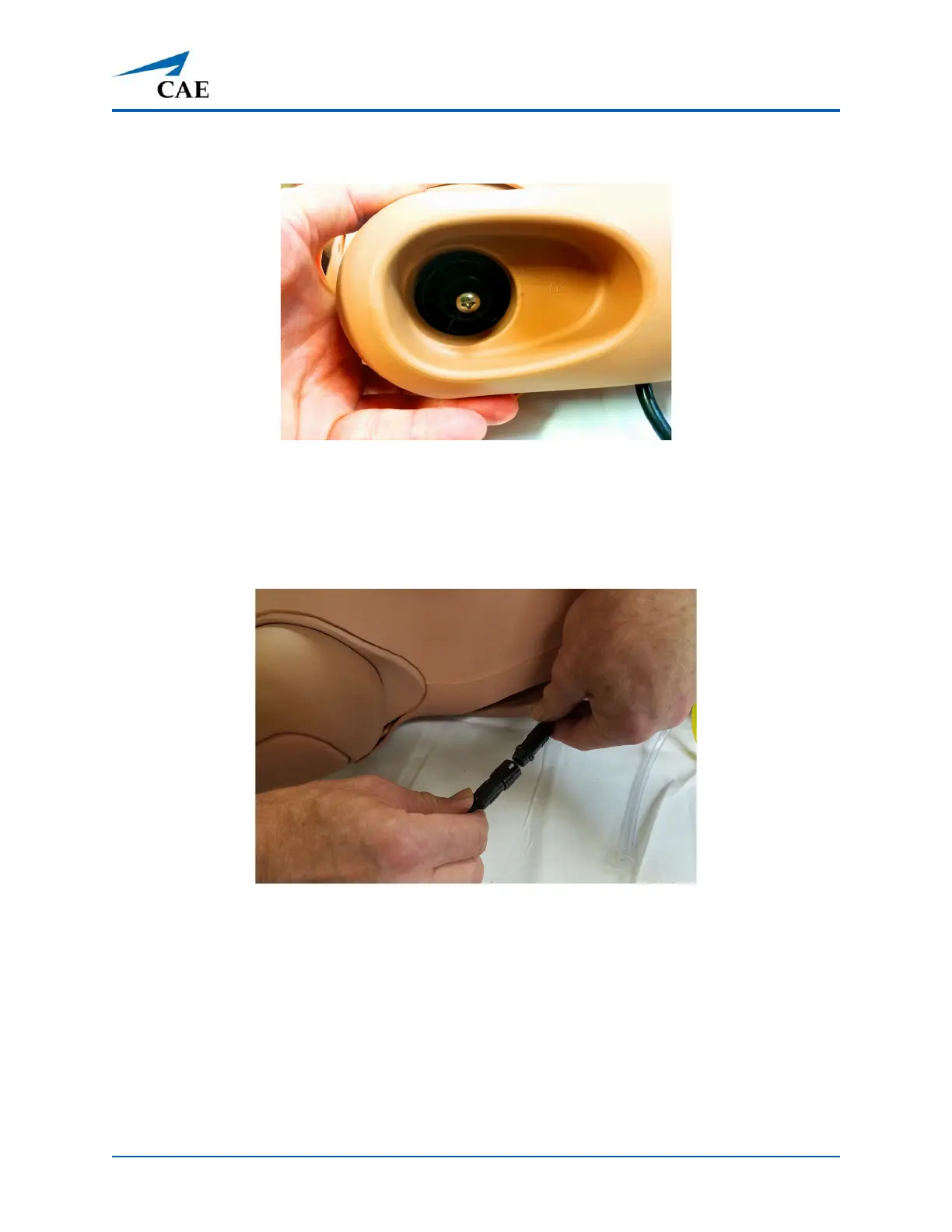
5. Tighten the mounting screw until it is snug, but the arm moves freely.
NIBP Arm Attached and Ready for Pad Installation
6. Reinsert the IM pad into the NIBP arm.
7. Connect the electronics tether from the NIBP arm to the arm connection on the manikin’
s
right
side by aligning the arrows.
Connecting the NIBP Arm Electronics Tether



 To Next Page