Care and Maintenance
88 ©2023 CAE 905K600152 v1.4
CAEJuno
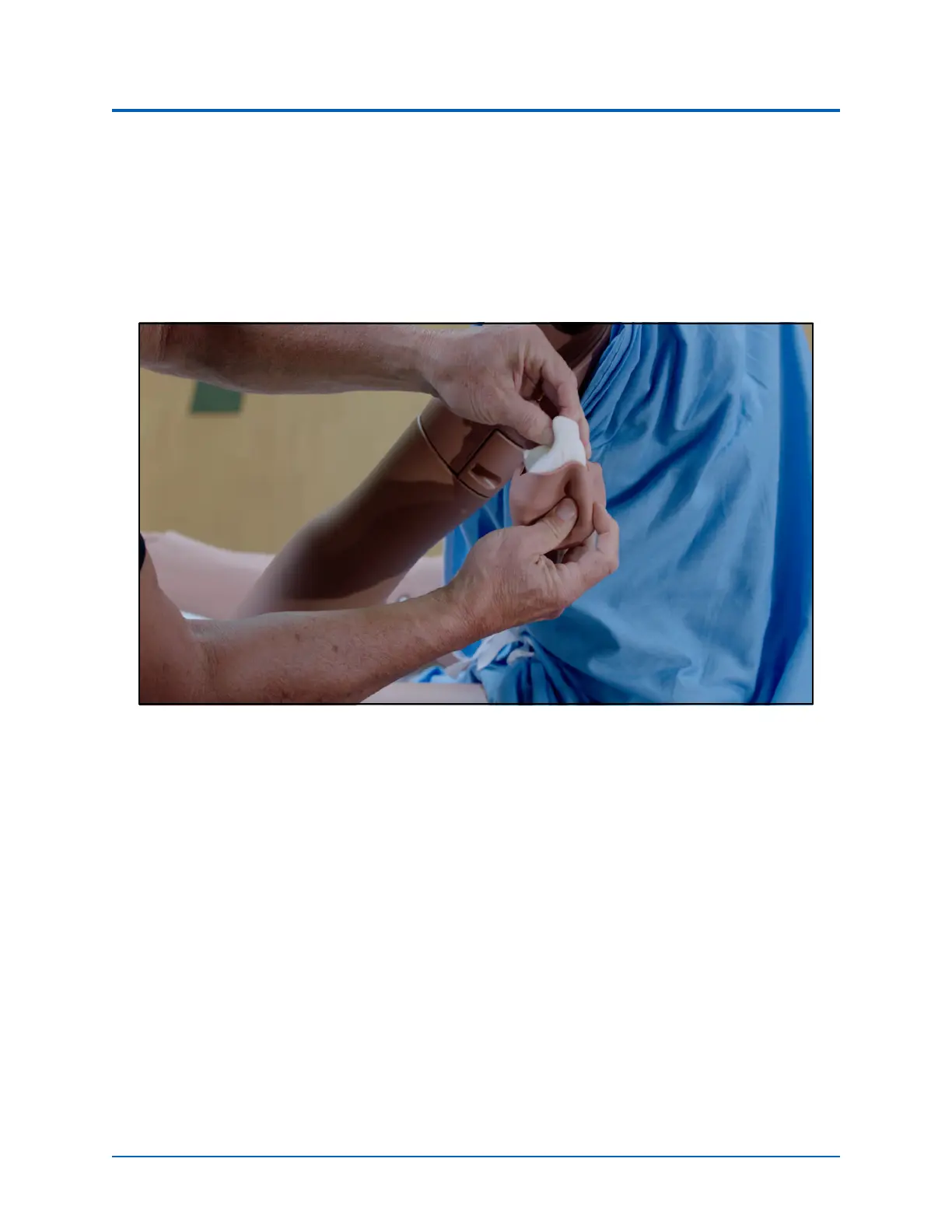
Step 4: Maintaining IM Injection Site
If the simulation included use of IM injection equipment, perform the following steps prior to storing
the manikin:
1. Remove the pad from the injection site.
2. Remove the sponge from inside the pad.
Remove the Sponge from the IM Pad



 To Next Page