©2023 CAE 905K600152 v1.4 61
Using Juno
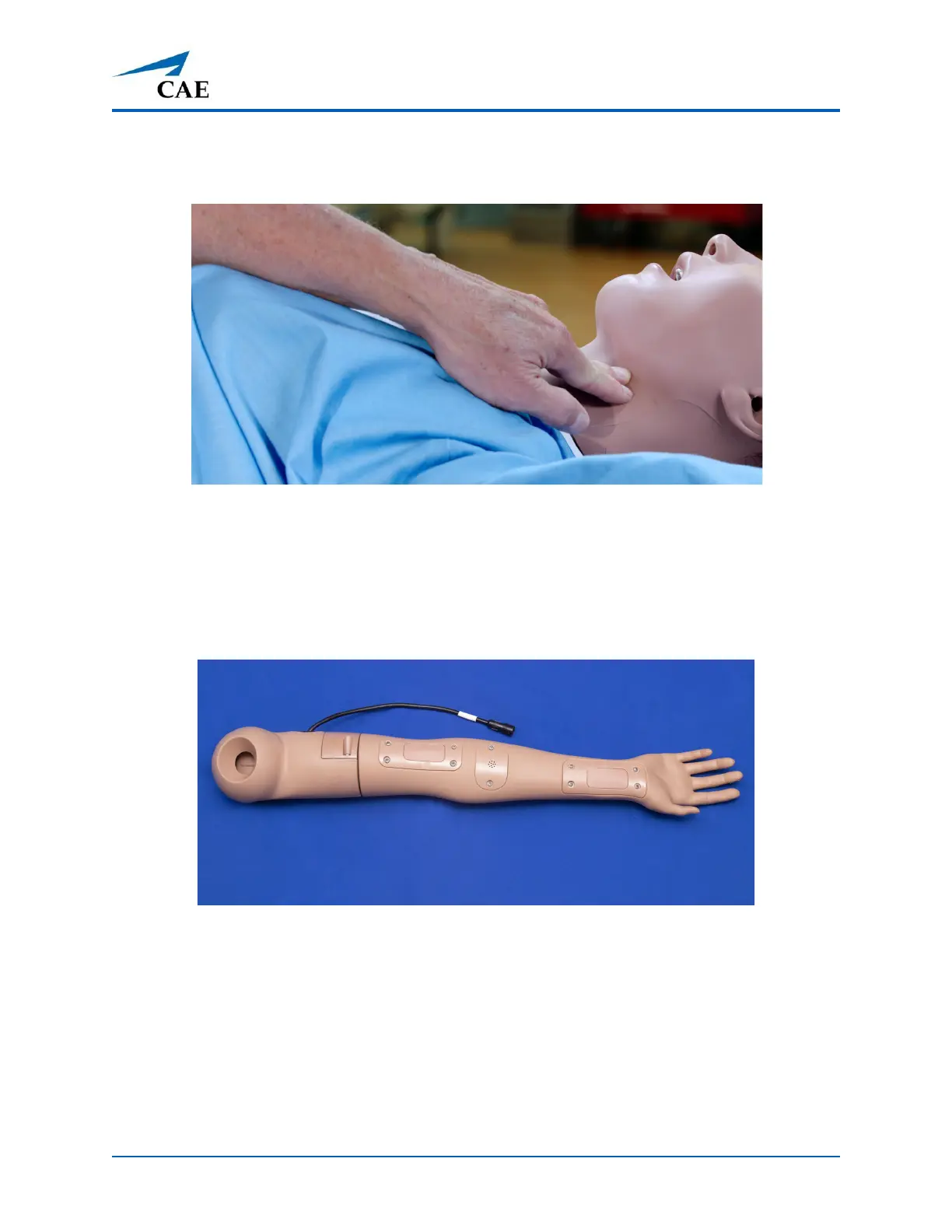
As you press the plunger, you can feel the carotid pulses. Adjust pulses to be threading or bounding
based on the volume of the air added to the syringe.
Carotid Pulse Palpated
Managing Radial and Brachial Pulses
Juno Live and Complete configurations come with a right NIBP and pulse arm which has radial and
brachial pulse locations. The pulse is activated when pressure is applied to the correct location. The
pulse intensities can be changed using the Maestro software.
NIBP Arm for Radial and Brachial Pulses
For more information, see the Maestro for Juno User Guide.



 To Next Page