Using Juno
68 ©2023 CAE 905K600152 v1.4
CAEJuno
For information on attaching the NIBP arm and modifying the blood pressure cuff, see the Setup
section in this user guide.
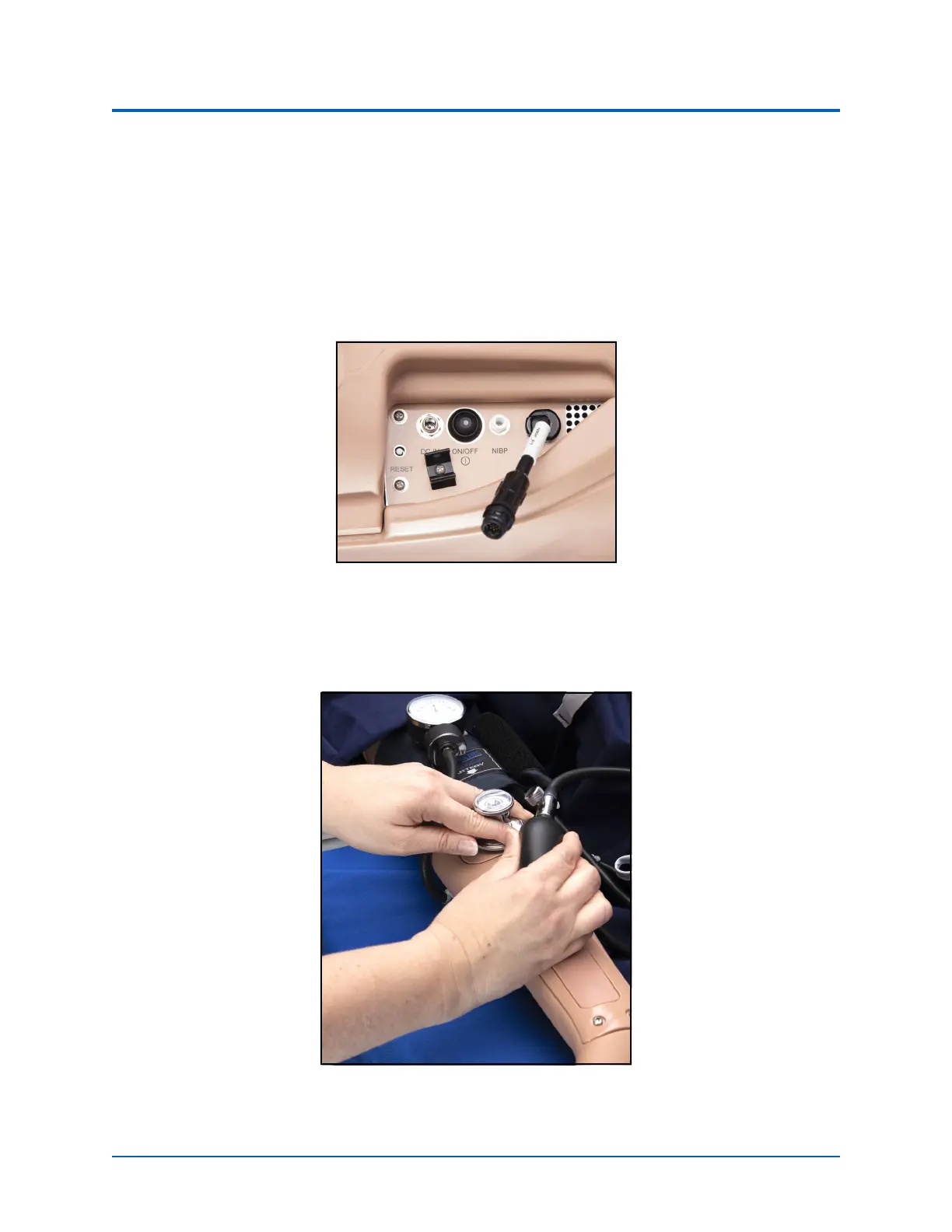
To get a blood pressure reading:
1. Connect the extension from the T-fitting on the blood pressure cuff adapter to either
of
the NIBP
ports on Juno’s right side shoulder.
2. Ensure the electronics tether from the NIBP arm is connected to the arm connector on
Juno’s right side.
Juno’s Right Side
3. Connect the T-fitting extension to the hose.
4. Take the non-invasive blood pressure reading using the return-to-flow technique.
Attached Blood Pressure Cuff
Note: Learners are not able to auscultate the blood pressure using a stethoscope.



 To Next Page