Click to specify settings such as text size, layout, and display method for the User's Guide.
Click to display information on how to view the User's Guide, how to perform a search, and other
information.
/
Click to display the previous or following topic.
Feature Highlights
Provides a variety of practical examples of ways to use the machine. Click
/ / / to toggle the
display by category, or click the sliding display for more information about each category. The sliding display
can be stopped by moving the pointer onto it.
Feature Highlights(P. 428)
[Quick Help]
Click to view how to solve problems.
[Notice]
Click to view important information you should know when using the machine.
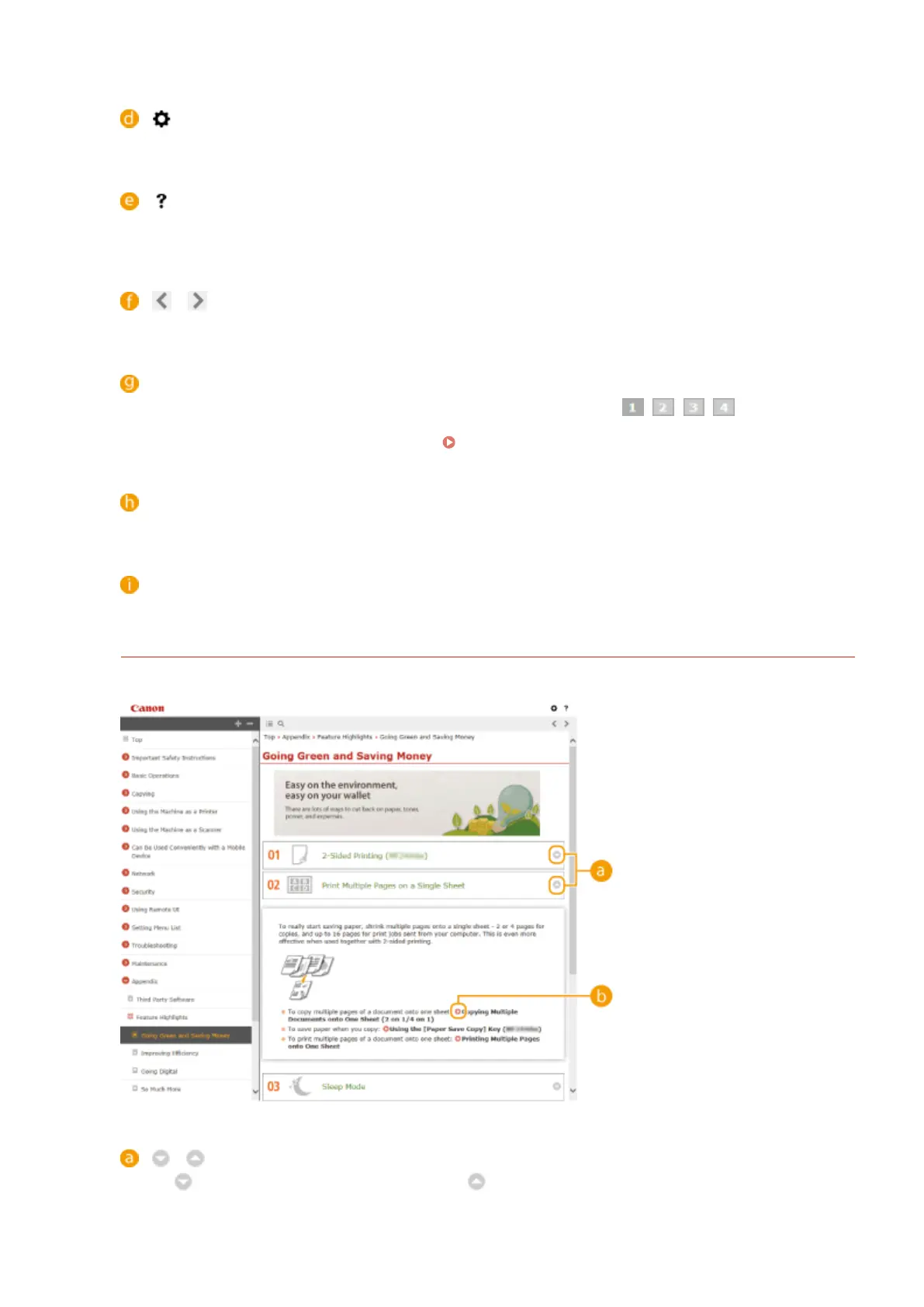
Feature Highlights
Provides a variety of practical examples of ways to use the machine.
/
Click to display the detailed information. Click to close the window.
Appendix
428












 To Next Page