Printing procedure
Basic Printing W orkow
Printing procedure
Loading and Printing on Rolls
These are the basic steps for loading and printing on rolls.
Follow the steps below to switch to a new roll or a roll of a dif ferent type or width before printing.
Note
• If you are not using the Media T ake-up Unit , spread a clean cloth or paper on the oor before printing
long documents such as banners. Otherwise, use the optional Output Stacker . ( → P .220)
The printing may become dirty by touching the oor , when the long sheet is printed.
• If you prefer to wait for the ink to dry after printing and simply eject the document, you can deactivate
automatic cutting and cut the paper manually . ( → P .191)
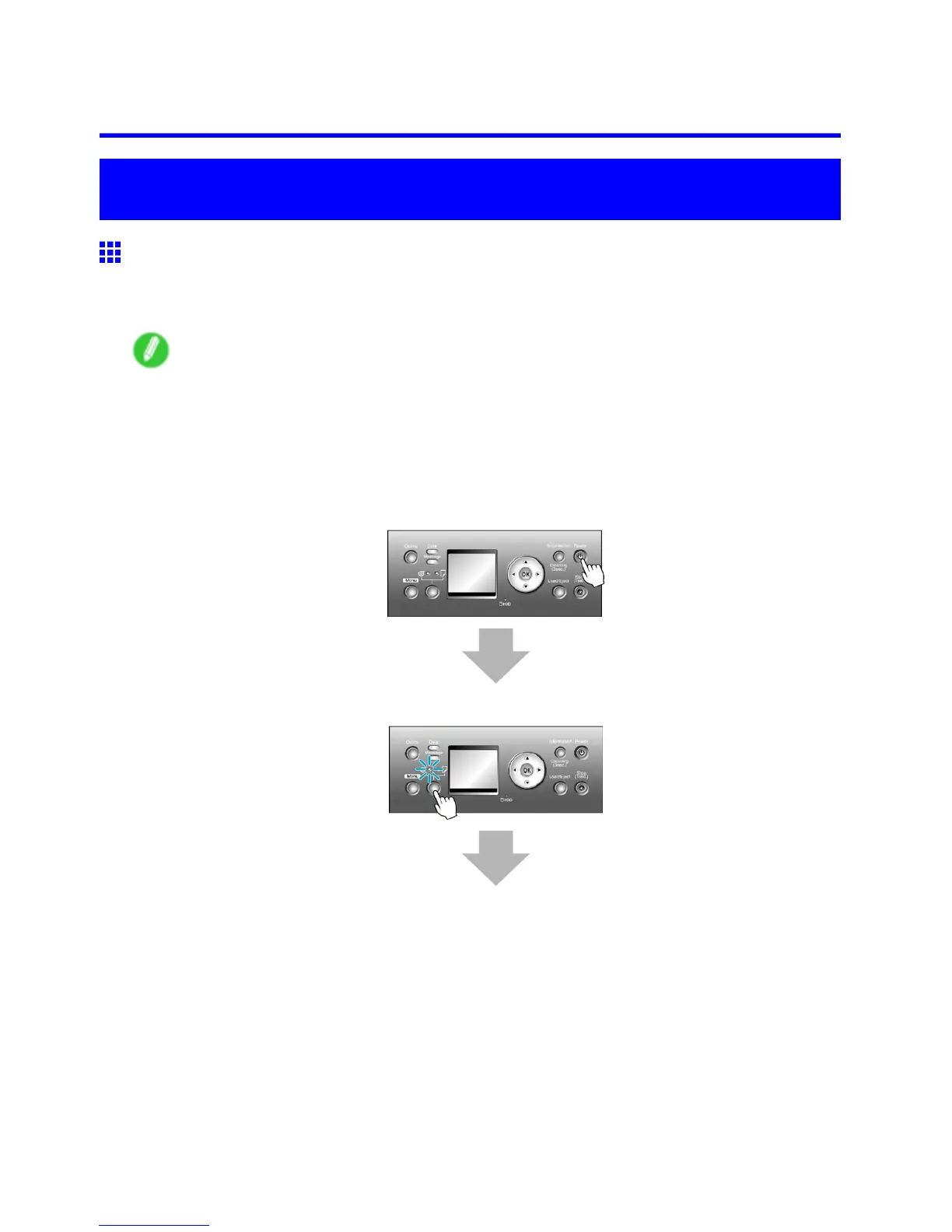
1. T urn the printer on. (→P .18)
2. Select a roll as the paper source. (→P .176)
140 Basic Printing W orkow



 To Next Page
 Loading...










