Control Panel
T urning the printer off
Important
• Never disconnect the printer ’ s power supply or unplug it during a print job. This could damage the printer .
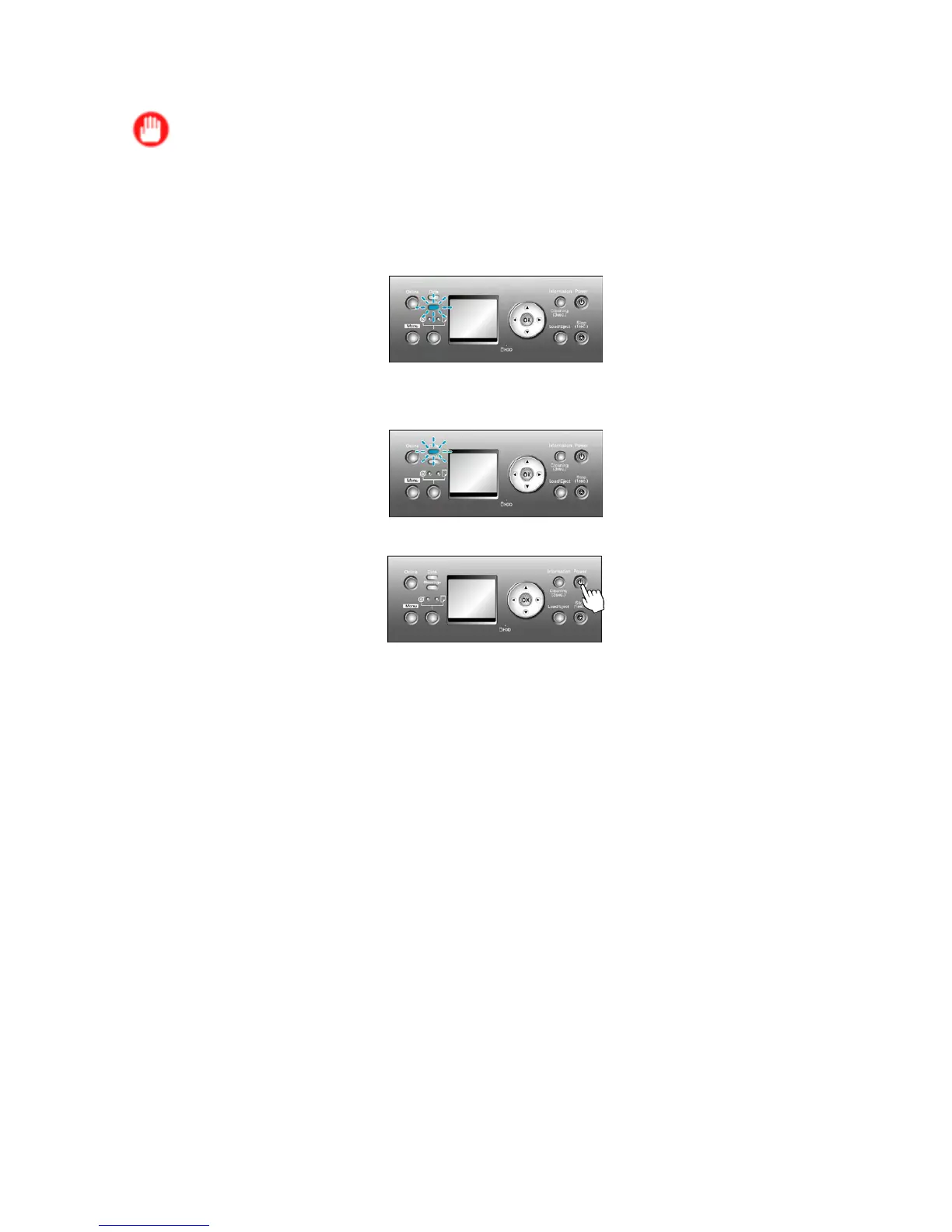
1. Make sure no print jobs are in progress.
If the Message lamp is ashing, check the message on the Display Screen and take action as
necessary . ( → P .764)
If the Data lamp is ashing, the printer is receiving a print job. T urn of f the printer only after
printing is nished.
2. Hold down the Power button for more than a second.
After Shut Down.. Please W ait.. is shown on the Display Screen , the printer shuts of f.
Printer Parts 19


 To Next Page
 Loading...











