Ink T anks
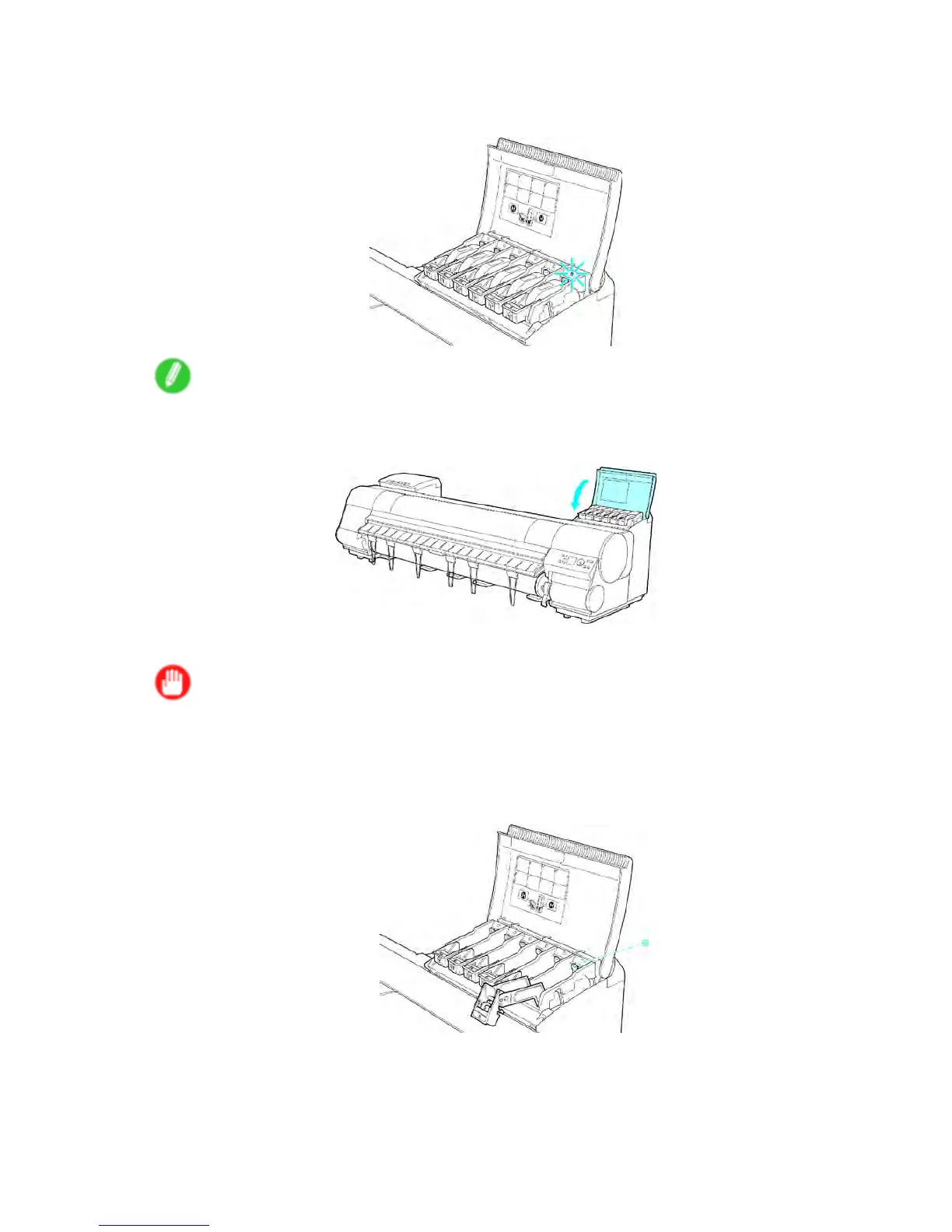
5. Make sure the Ink Lamp is lit in red.
In the case of that Ink Lamp was not indicated, repeat Step 3-4.
Note
• Ink Lamp ashes when there is little ink left.
6. Close the Ink T ank Cover .
The printer now goes online or of ine.
Important
• After Ink T ank replacement, always close the Ink T ank Cover . If the Ink T ank Cover cannot close,
some Ink T ank Lock Lever may not be closed completely . Make sure every Ink T ank Lock Lever is
fully closed.
• T o close the Ink T ank Cover when no Ink T ank is installed (as when moving the printer), push the
release lever (a) as shown while returning the Ink T ank Lock Lever to the original position.
Maintenance 689


 To Next Page
 Loading...











