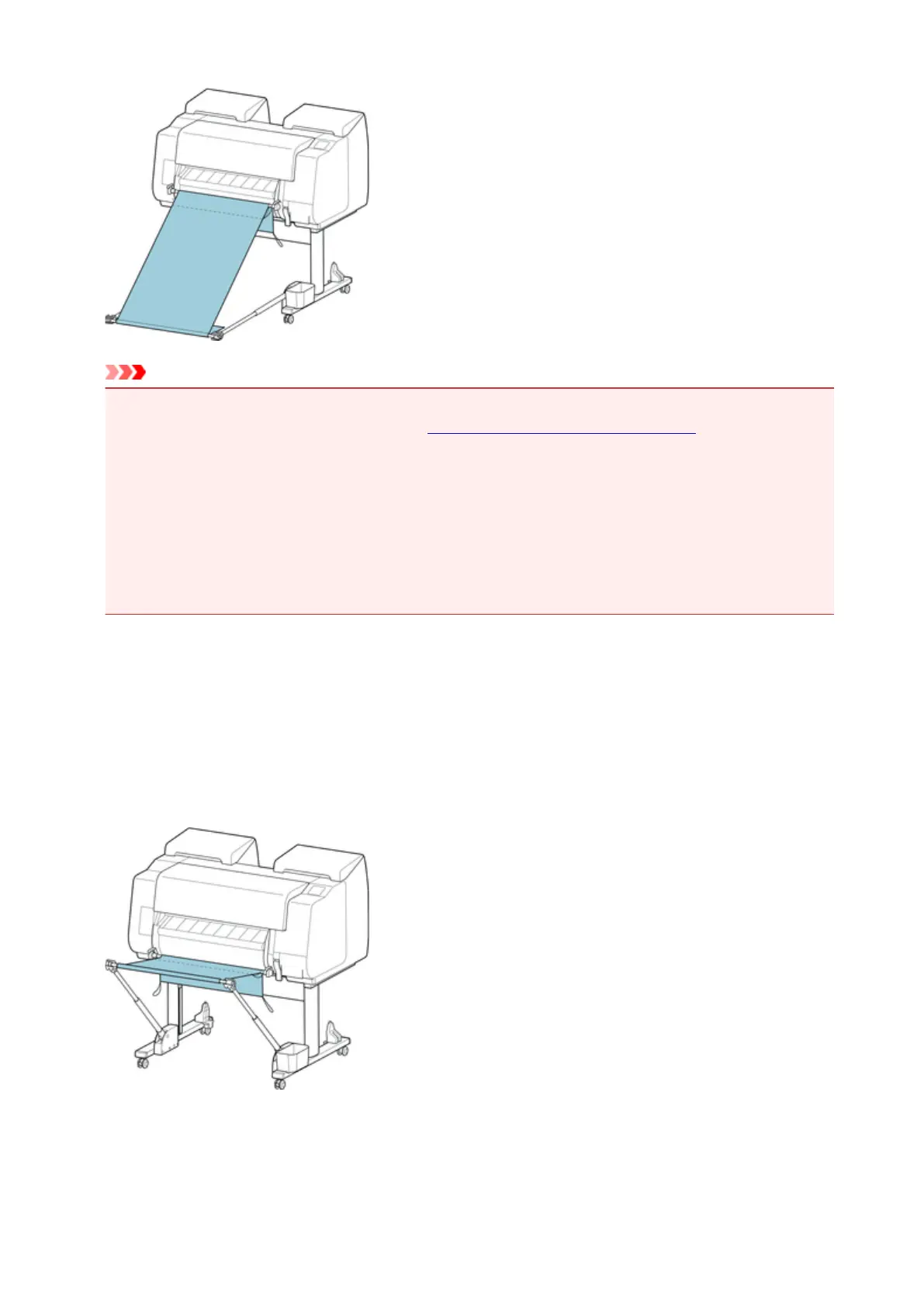
Important
• Always select Eject cut in Cutting mode when used in this position. If you select Automatic cut, the
printed materials may be damaged. (See "Specifying the Cutting Method for Rolls.")
• Be extra careful when using paper that tends to curl or is damaged easily in this position.
• With some types of paper, the leading edge may curl or bend during ejection. In this case, straighten
out the paper. Printed documents may be damaged if the paper is curled or bent.
• Depending on the paper, the paper may be caught between the output guide and the basket when
being ejected. In this case, fix the paper that is caught. If the paper is caught, printed documents may
be damaged.
Stacking Printed Materials (Position 4)
You can use the basket in following positions when you want to stack printed materials.
Move the basket rod (cord side) to the lower of the two pairs of attachment locations on the front of the
printer, extend the basket arm as far as possible in the angle shown. Next, adjust the length so that the
basket is pulled into this position.
111











 To Next Page