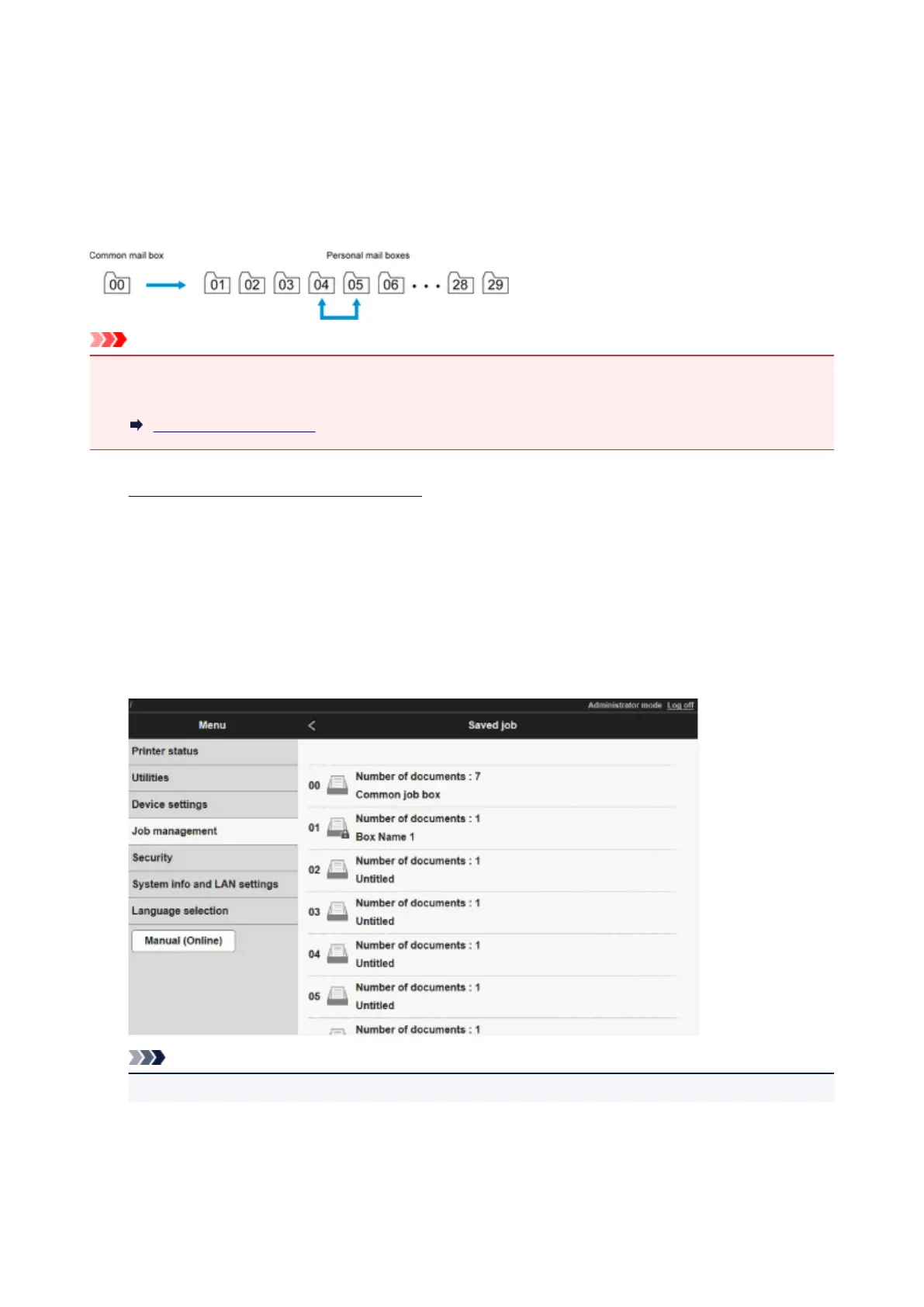
Moving Saved Jobs
Print jobs stored on the printer's hard disk (saved jobs) can be moved from the current box to another box as
follows.
However, jobs saved in personal boxes cannot be moved to the shared mailbox.
This operation is available using Remote UI.
Important
• Jobs stored in the shared mailbox may be automatically deleted under some conditions. To prevent jobs
from being deleted, move them from the shared mailbox to personal boxes.
Using Printer Hard Disk
1.
Display printer status on web browser.
2.
On Menu page, select Job management.
3.
Select Saved job.
The saved job list appears.
4.
On Saved job page, select box.
Note
•
Enter the password if it is enabled for a saving box.
664











 To Next Page