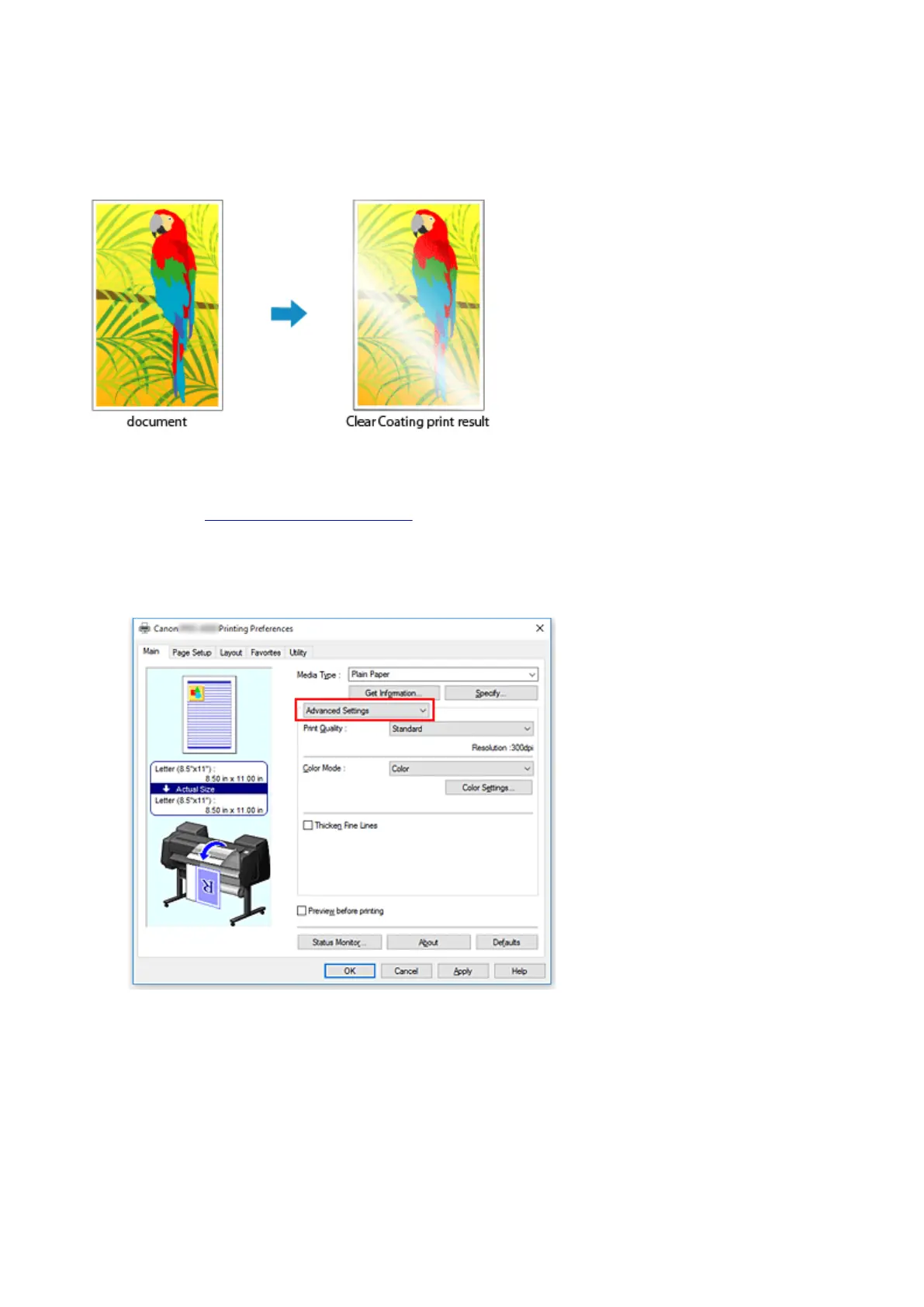
Changing the Clear Coating Settings
When you execute clear coating, the printer applies chroma optimizer (CO) ink onto the printing surface and
allows you to adjust the glossiness.
This section explains procedures for changing the clear coating settings.
1.
Open the printer driver setup window
2.
Select Advanced Settings
From the Main tab pull-down menu, select Advanced Settings.
3. Select color mode
For Color Mode, select Color, and then click Color Settings.
The Color Settings dialog box appears.
4. Set clear coating area
539











 To Next Page