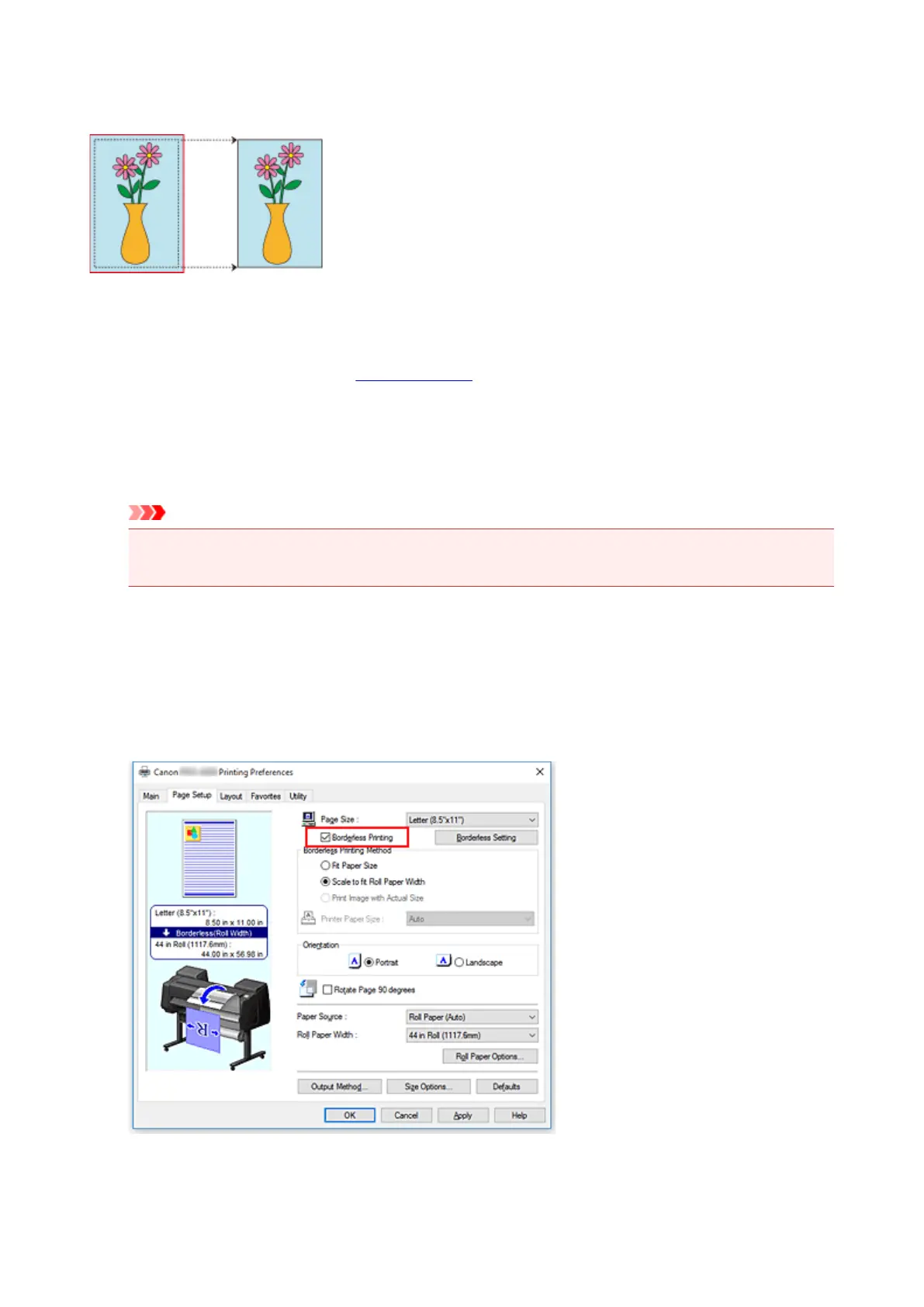
Printing Full-Size without Margins
Procedure for printing borderless (without white margins around the edges) images in the same size as the
original document without enlarging/reducing themRecommended if you prize quality.
1.
In the printer driver, open the settings screen
2.
Select a feeding method
In Paper Source, choose the best option for your purposes between Roll Paper (Auto), Roll 1 and Roll
2.
Important
• The feeding methods you can choose from vary depending on paper and lower tray (paper roll 2)
settings, or on roll unit option settings.
3.
Select paper roll width
For paper roll width, enter the same value set in the printer under Roll Width.
4.
Select borderless printing
In the Page Setup tab, place a checkmark next to the Borderless Printing option.
536











 To Next Page