Printing By Setting Print Purpose
The print settings that are generally used frequently are pre-registered as print purposes. By using a print
purpose to print, you can print with settings that match the document.
The procedure for printing by using a print purpose is as follows:
1.
Open the printer driver setup window
2.
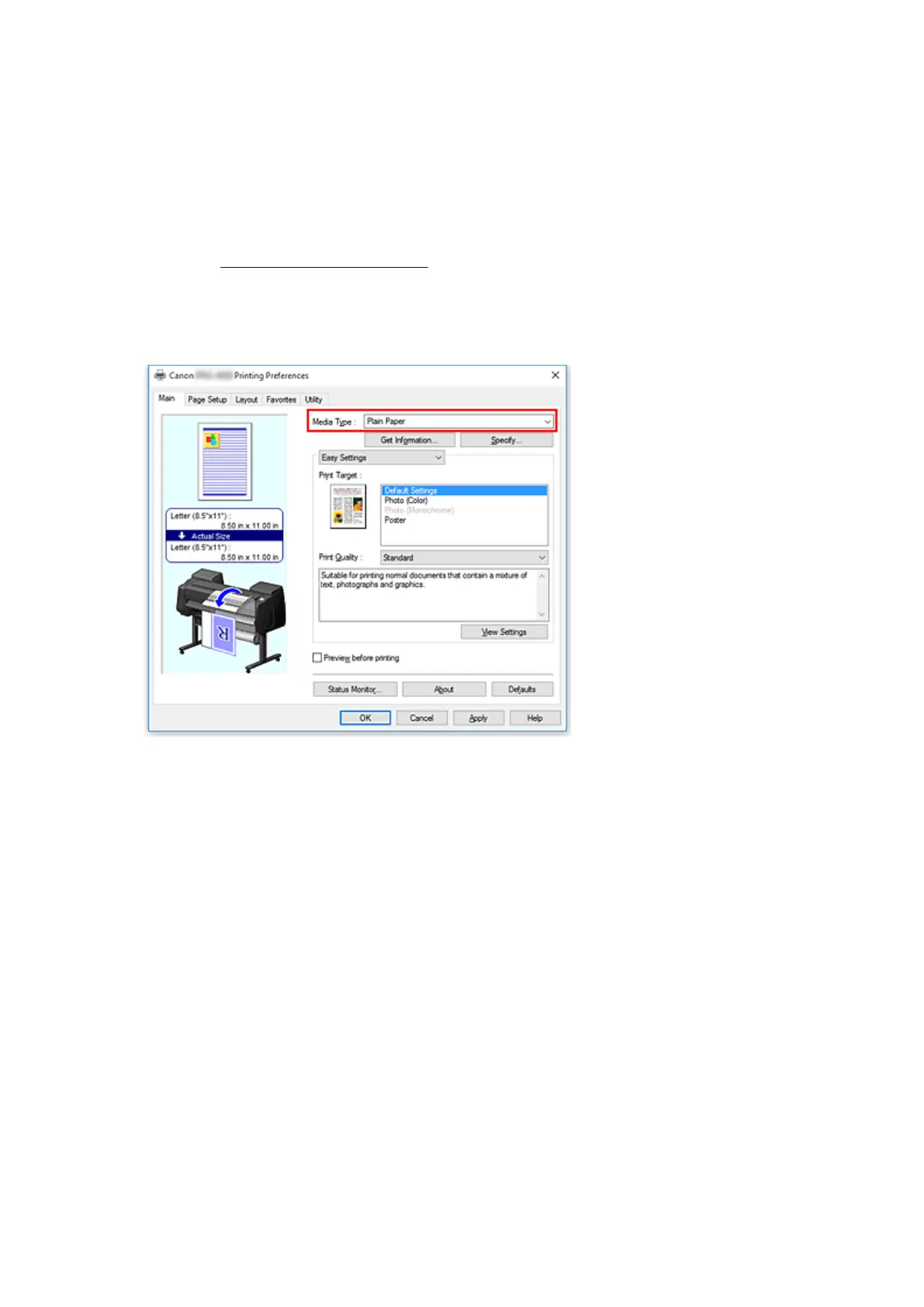
Select the media type
Select the type of paper loaded in the printer from the Media Type list on the Main tab.
3.
Select print setting mode
From the pull-down menu, select Easy Settings.
484











 To Next Page