Loading and Printing on Rolls
These are the basic steps for loading and printing on rolls.
Follow these steps to load and print on rolls.
Note
• For details on roll paper sizes and types that can be used, see "Paper Sizes" or "Paper Information
List".
• To wait until the ink dries after printing before cutting the roll, set Drying Time in the printer driver. (See
"Specifying the Ink Drying Time for Rolls.")
• Once you have used all the paper on a roll, clean the platen. If the platen inside the top cover becomes
dirty, it may soil the underside of paper. (See "Cleaning Inside the Top Cover.")
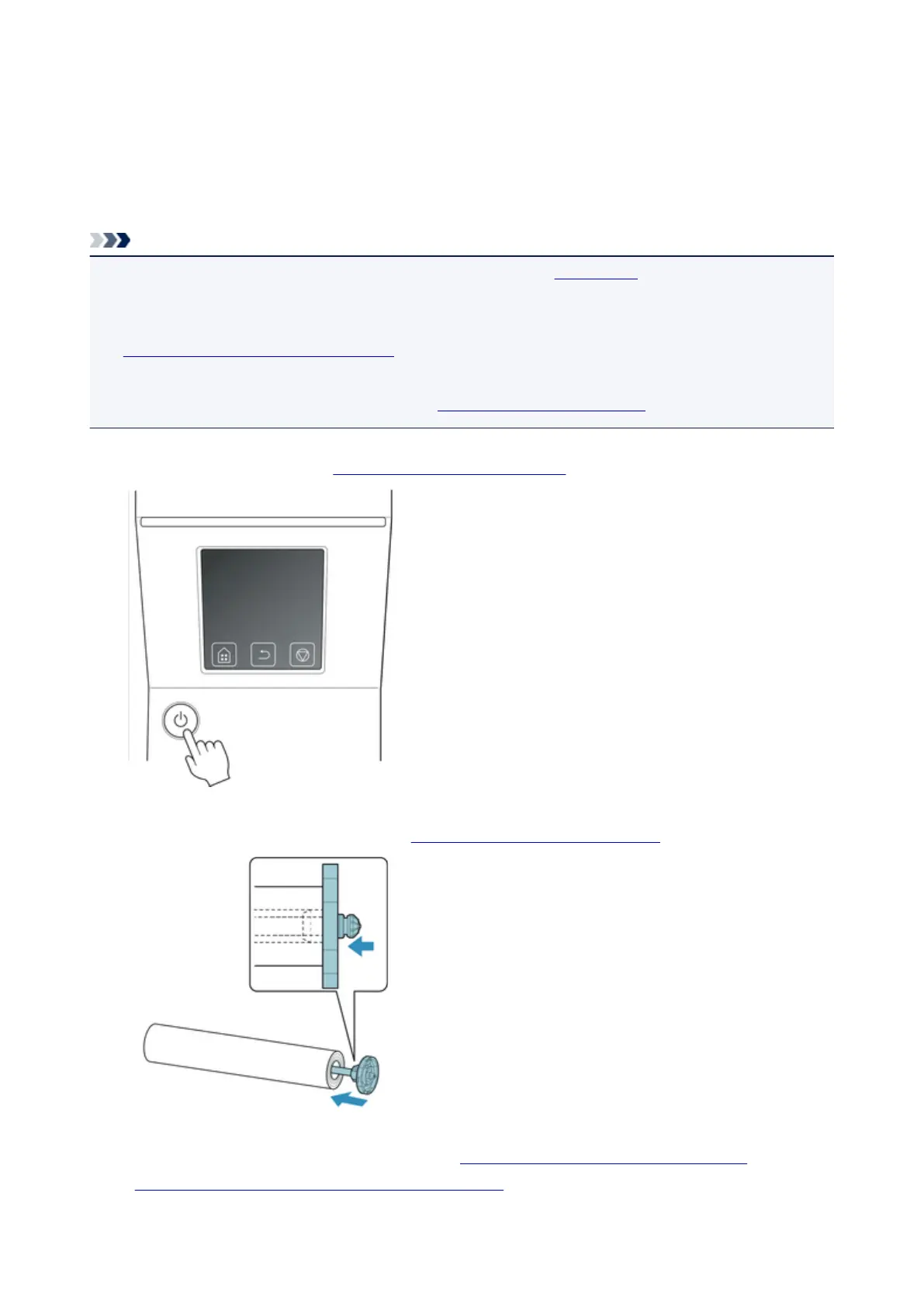
1.
Turn the printer on. (See "Turning the Printer On and Off.")
2.
Load a roll on the Roll Holder. (See "Loading Rolls on the Roll Holder.")
3. Load roll paper in printer or roll unit. (See "Loading the Upper Roll on the Printer.") (See
"Loading the Lower Roll on the Roll Unit (Option).")
440











 To Next Page