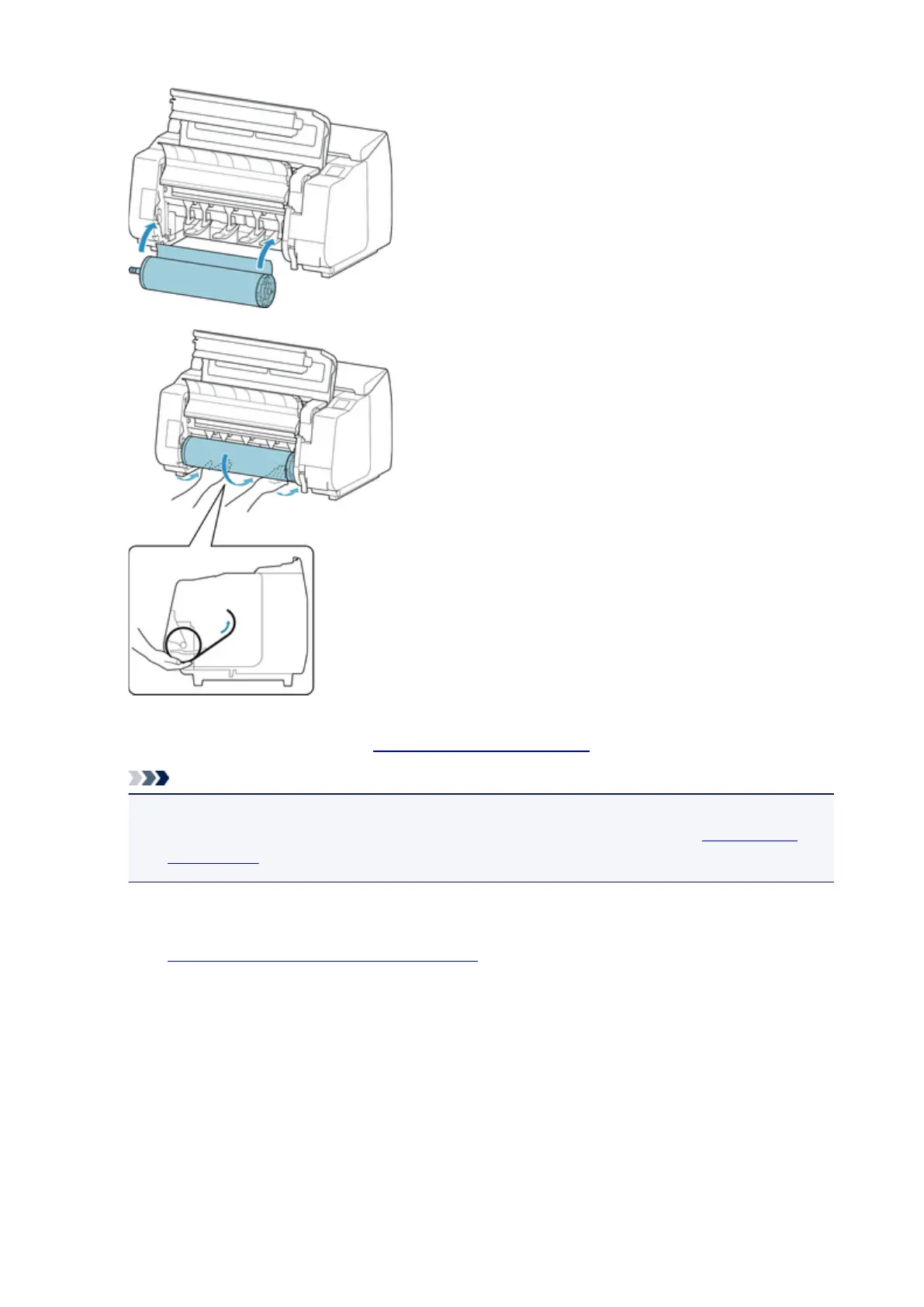
4.
Select the type of paper. (See "Changing the Type of Paper.")
Note
• If no barcode has been printed on the roll paper and you have set Manage remaining roll
amount to Enable, specify the roll length after selecting the media type. (See "Specifying the
Paper Length.")
5. Complete settings in the printer driver for the type of paper and other details.
•
How to Open the Printer Driver Setup Window (Windows)
•
How to Open the Printer Driver Setup Window (Mac OS)
441











 To Next Page