Saving Roll Paper by Eliminating Upper and Lower Margins on
Document
When printing on roll paper, you can save paper by eliminating the upper and lower margins when printing.
The procedure for saving paper by eliminating the upper and lower margins is as follows:
1.
Open the printer driver setup window
2.
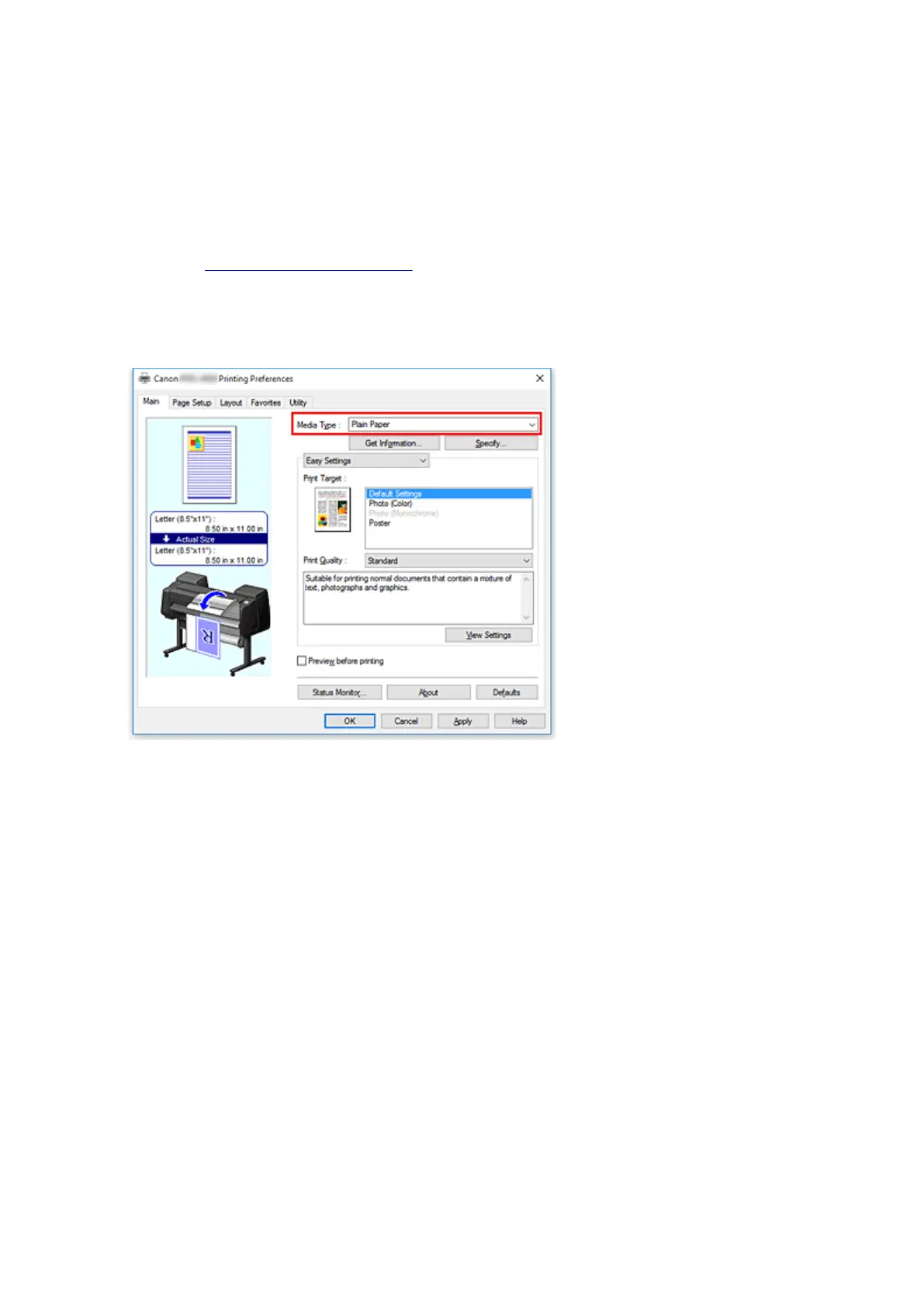
Select the media type
Select the type of paper loaded in the printer from the Media Type list on the Main tab.
3.
Select the paper size
From the Page Size list on the Page Setup tab, select the same size as that of the document that was
created with the application software.
560











 To Next Page