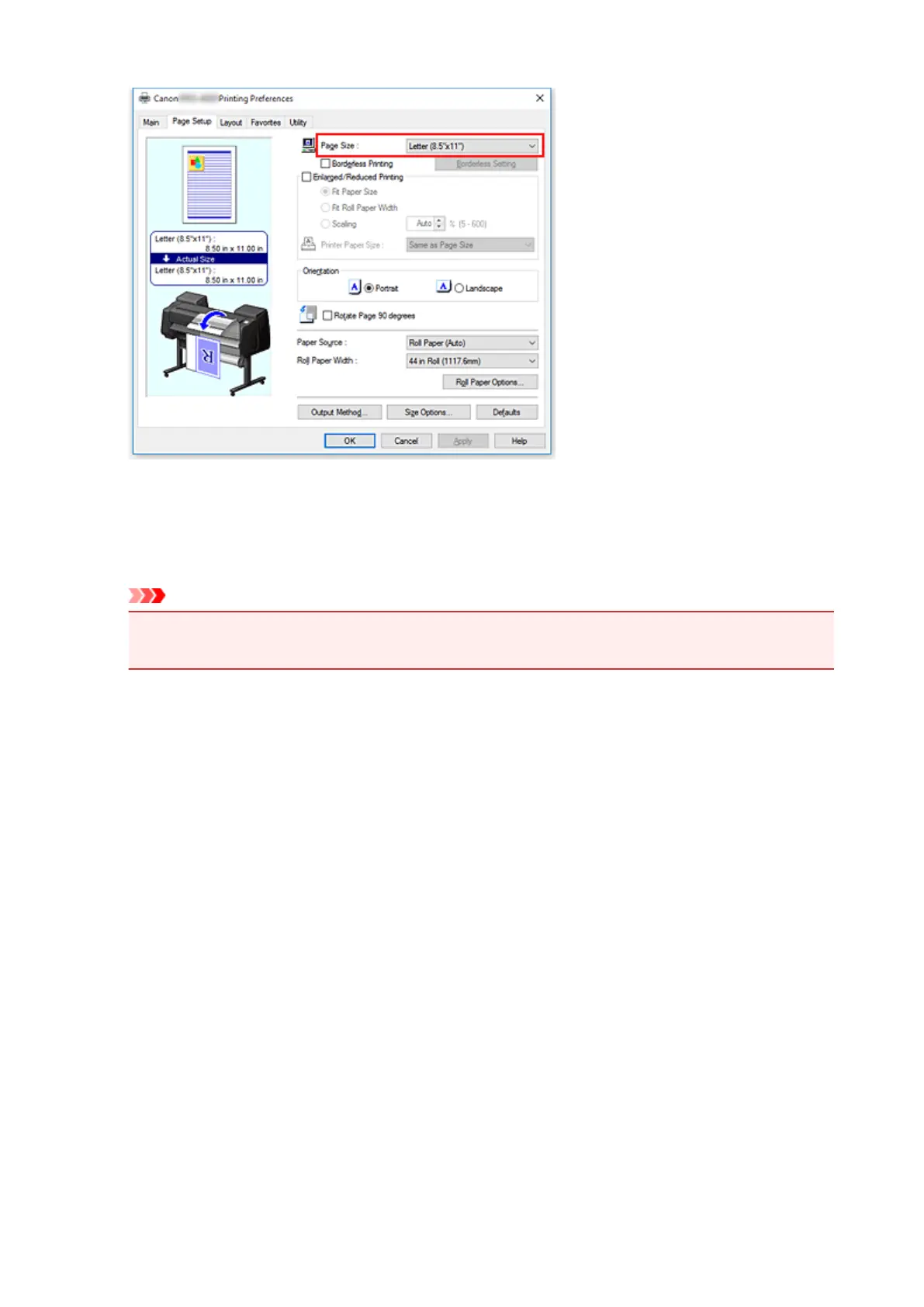
4.
Select the paper source
For Paper Source on the Page Setup tab, select the setting that matches your purpose from Roll Paper
(Auto), Roll 1, and Roll 2.
Important
• The paper feed method will differ according to the paper or lower level (roll paper 2) settings, or
roll unit option settings.
5.
Select roll paper width
For Roll Paper Width, select the width of the roll paper loaded in the printer.
6.
Selecting Paper Saving
On the Layout tab, select the No Spaces at Top or Bottom check box.
The current settings are displayed in the settings preview on the left side of the window.
561











 To Next Page