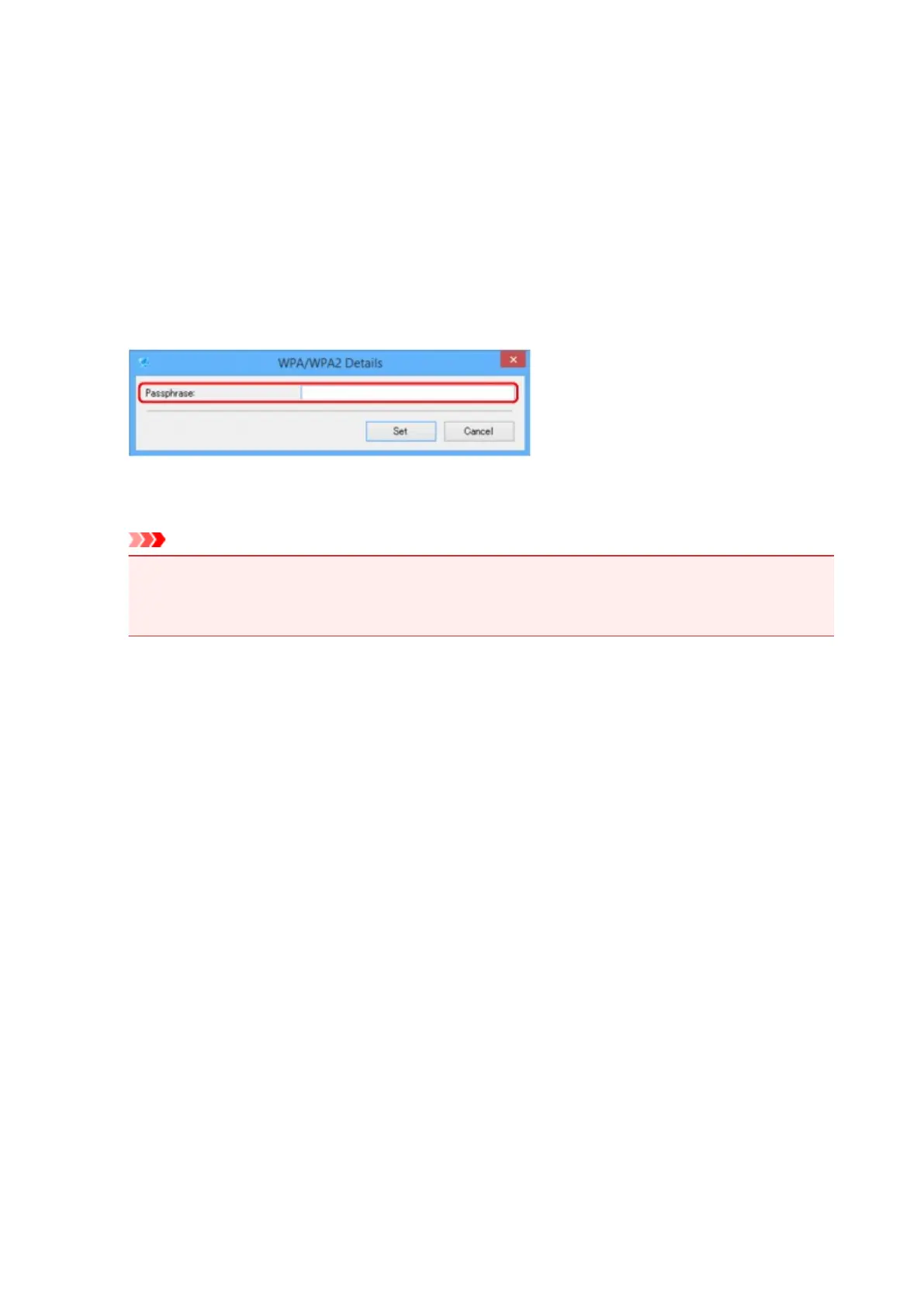
If WPA/WPA2 Details Screen Appears
Enter the password (passphrase) according to wireless router's encryption method if you change a wireless
router to connect to the printer.
1. Enter passphrase when WPA/WPA2 Details screen appears.
Enter the passphrase set to the wireless router. The passphrase should be a string of 8 to 63
alphanumeric characters or a 64-digit hexadecimal value.
If you do not know the wireless router passphrase, refer to the instruction manual provided with the
wireless router or contact its manufacturer.
2.
Click Set.
Important
• If the printer cannot communicate with the computer after the encryption type of the printer was
switched, make sure encryption types for the computer and the wireless router match that set to
the printer.
273











 To Next Page